
 Book
Scheduling
Let people book time with you. Free.
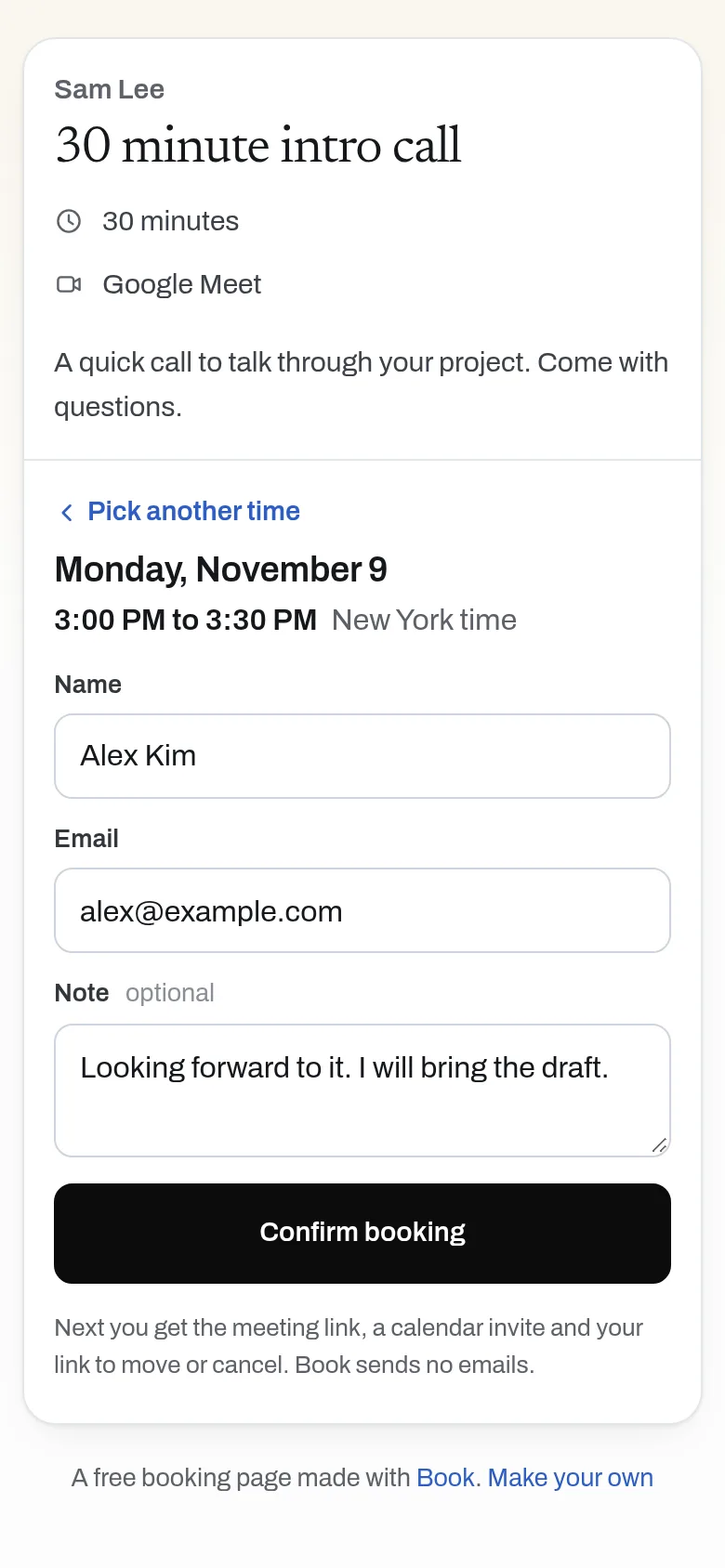
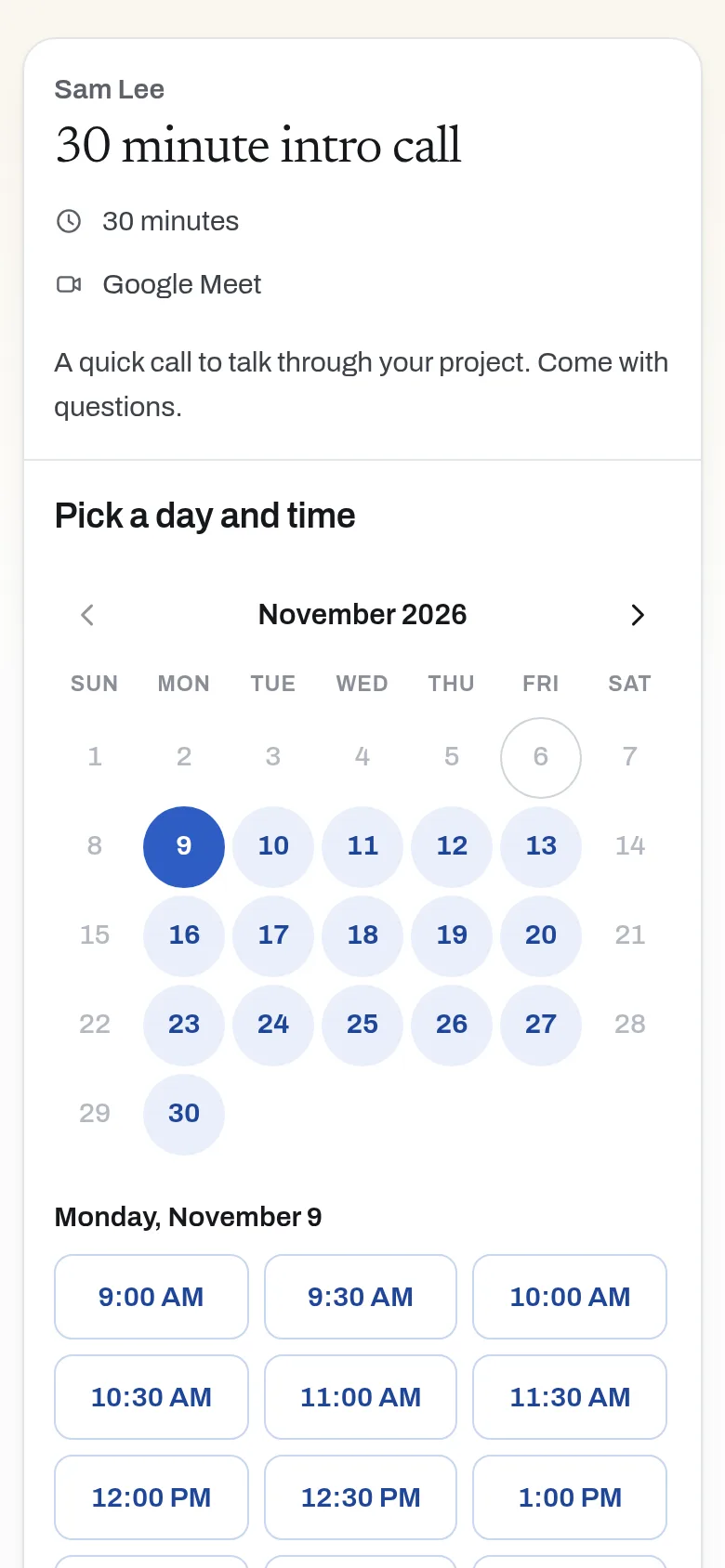
Share one link. People pick a time in their own time zone and get your meeting link.
Free, no sign-up, no ads.
What it does
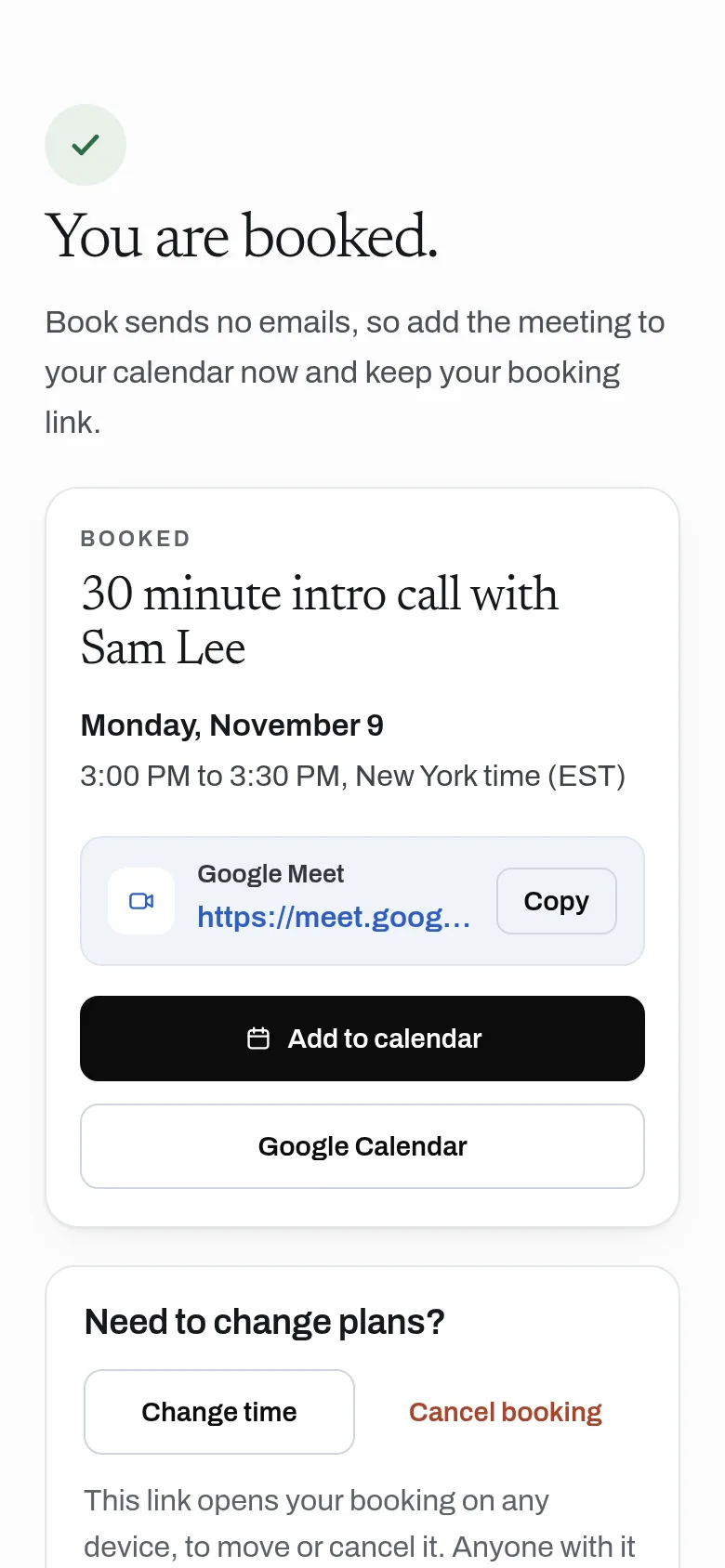
Set your weekly hours, meeting length and your Google Meet (or Zoom) link, and share your page. People pick a time in their own time zone and get your meeting link, a calendar file and a private link to move or cancel. You see each booking on your page, or in your calendar through a feed. Book sends no emails. Simpler than the usual: no calendar to connect.
- Weekly hours, meeting length, notice and buffer
- Shown in each visitor's own time zone
- Booked times disappear for everyone right away, and two people can never take the same slot
- Your own Google Meet, Zoom or Teams link on every booking
- Calendar file (.ics) and Google Calendar link after booking, and a calendar feed for you
- Cancel from a private link
- API for AI assistants: book a time or set up a page
Why use it
Free. Unlimited bookings. No account is needed to use it. Each booking is one small write; it stays free.
A free alternative to
For your AI assistant
Book has a public web API that needs no key and no account.
An assistant can read open times on someone's booking page and book a meeting for its person, or set up a booking page for them.
Connect every OpenApps app to your assistant · Book guide for assistants
Compare every free option
Questions
Does Book read my calendar?
Which video tool does it use?
Can two people book the same time?
Is it free?
Anyone can read the source of Book. Contribute to Book.