
 Images
Design
Cut out backgrounds. Shrink photos. No upload.
Add your photos, pick what you want and save them. Your phone or computer does all the work.
Free, no sign-up, no ads.
What it does
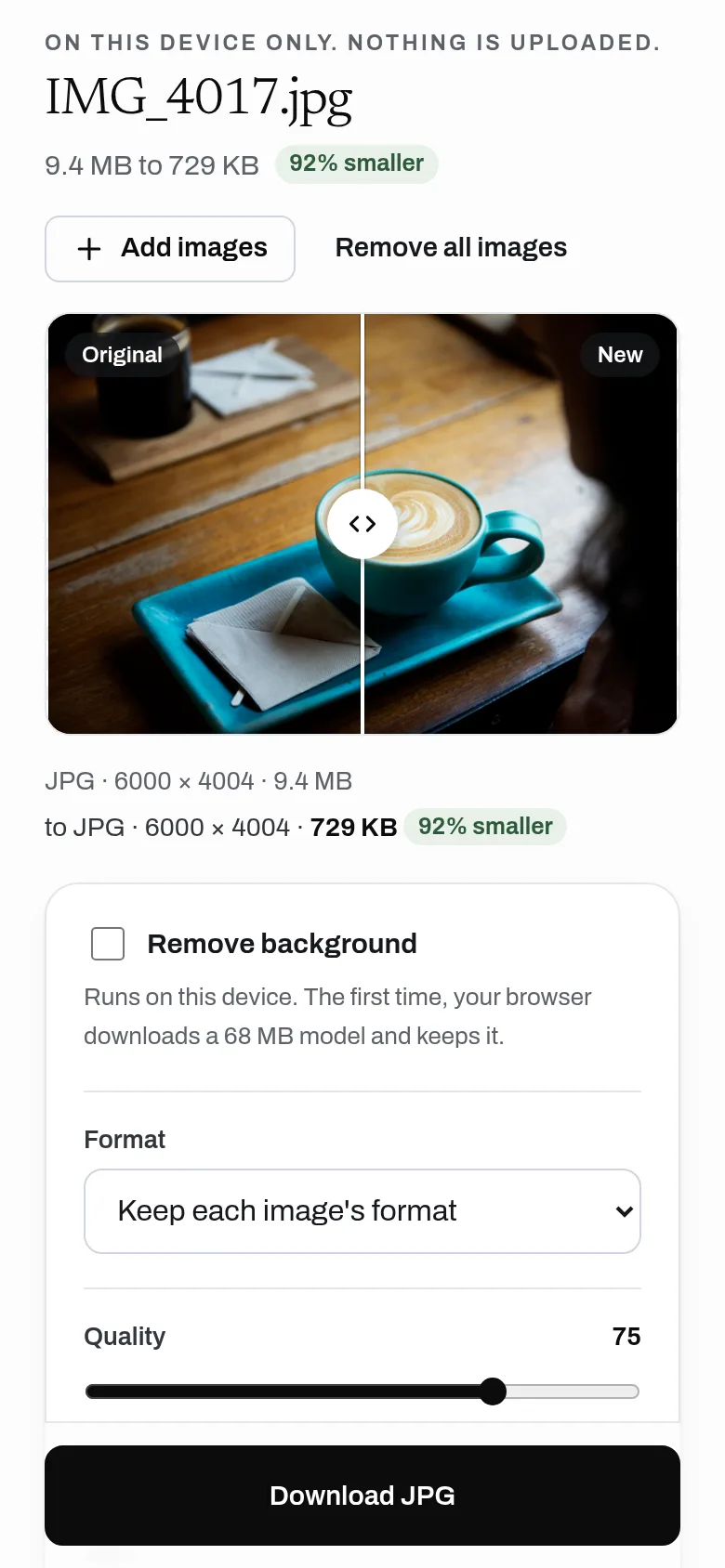
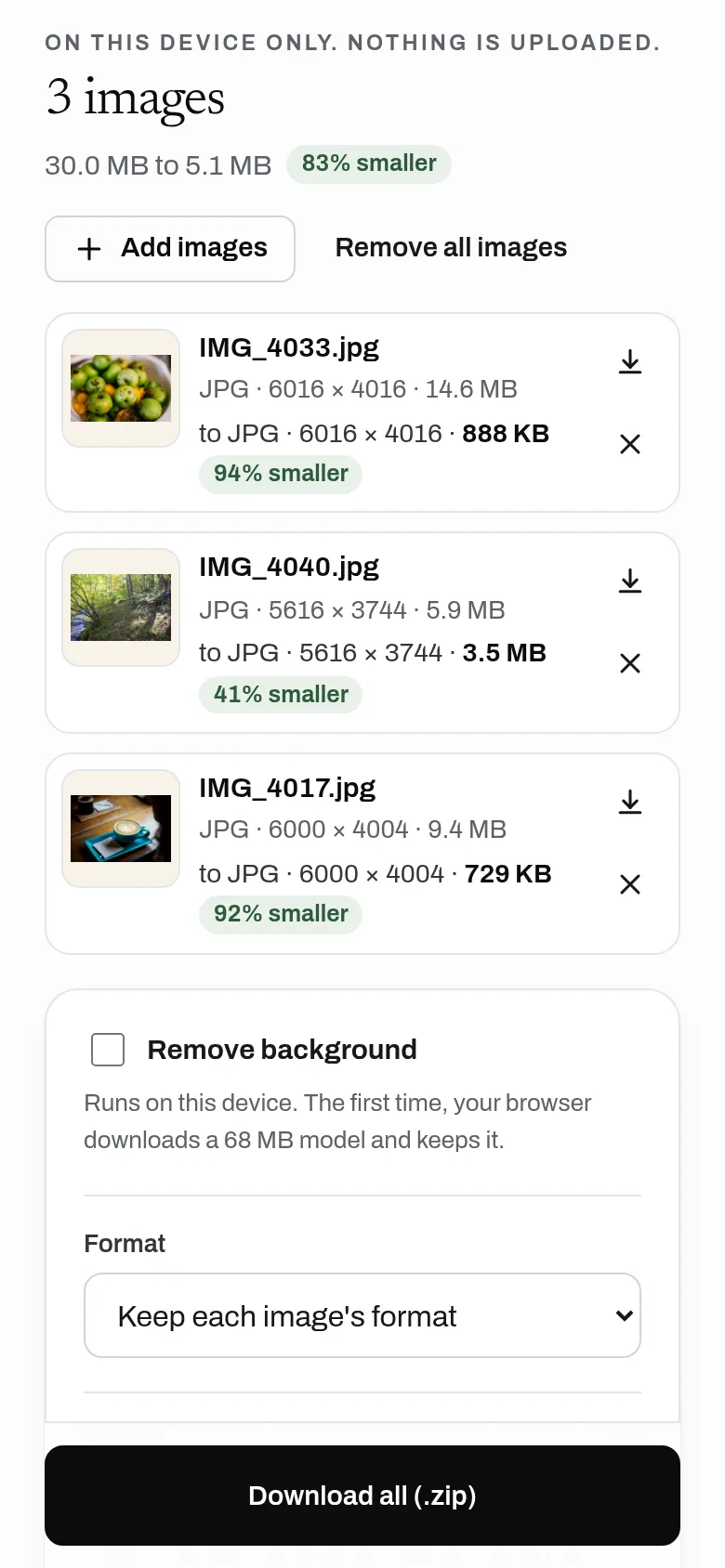
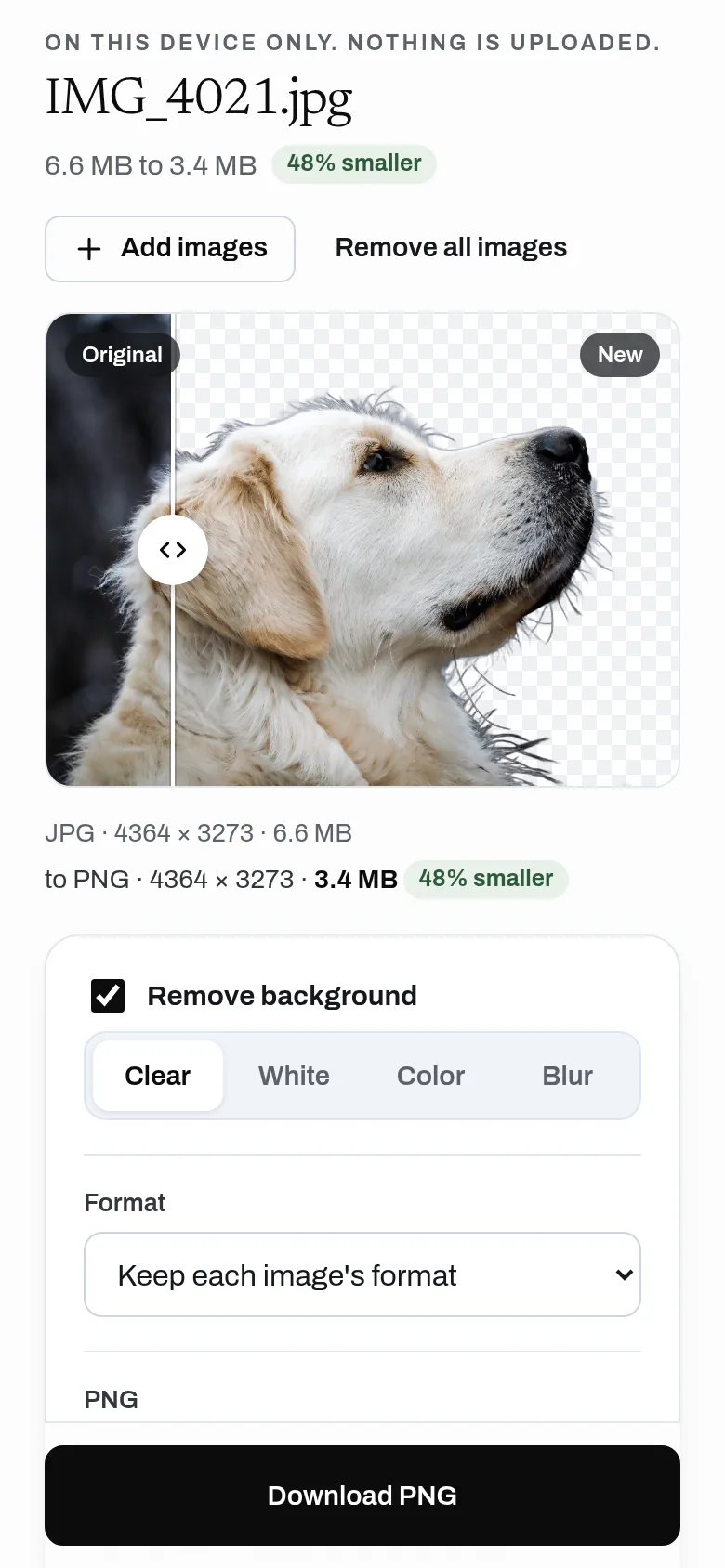
Compress, resize and convert images, and remove backgrounds, all in your browser. Location and camera data is stripped by default. No limits, no watermark, no account, and nothing is uploaded.
- Compress JPG, PNG and WebP
- Resize by width, height or percent
- Convert between JPG, PNG and WebP
- Remove backgrounds on your device
- Strips location and camera data by default
- Download one file or all at once
- No uploads, no limits, no watermark
Why use it
Free. No limits, no watermark. No account is needed to use it. Everything runs on your device, so it costs almost nothing to run.
A free alternative to
For your AI assistant
Images has no public web API, so an assistant cannot call it directly. An assistant can still point you to it and explain how to use it.
Images runs in the person's browser, so there is no server API. An assistant can send people to it to compress, convert or cut out images privately.
Connect every OpenApps app to your assistant · Images guide for assistants
Compare every free option
Questions
Are my images uploaded?
Is there a limit?
Does background removal cost credits?
Does it remove location data?
Anyone can read the source of Images. Contribute to Images.