
 Split
Money
Share costs with friends. See who owes whom.
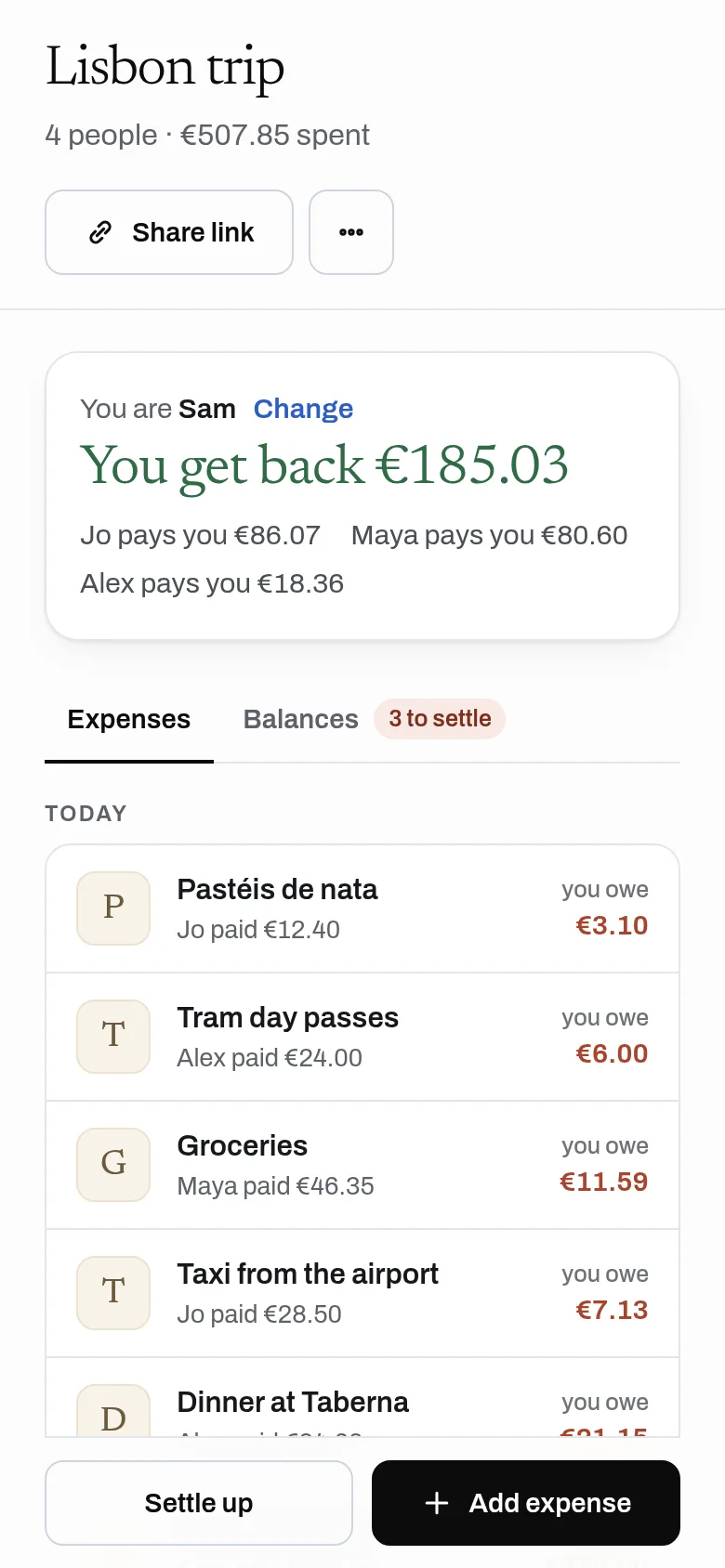
Make a group, add what you paid, and see a short list of payments that makes everyone even.
Free, no sign-up, no ads.
What it does
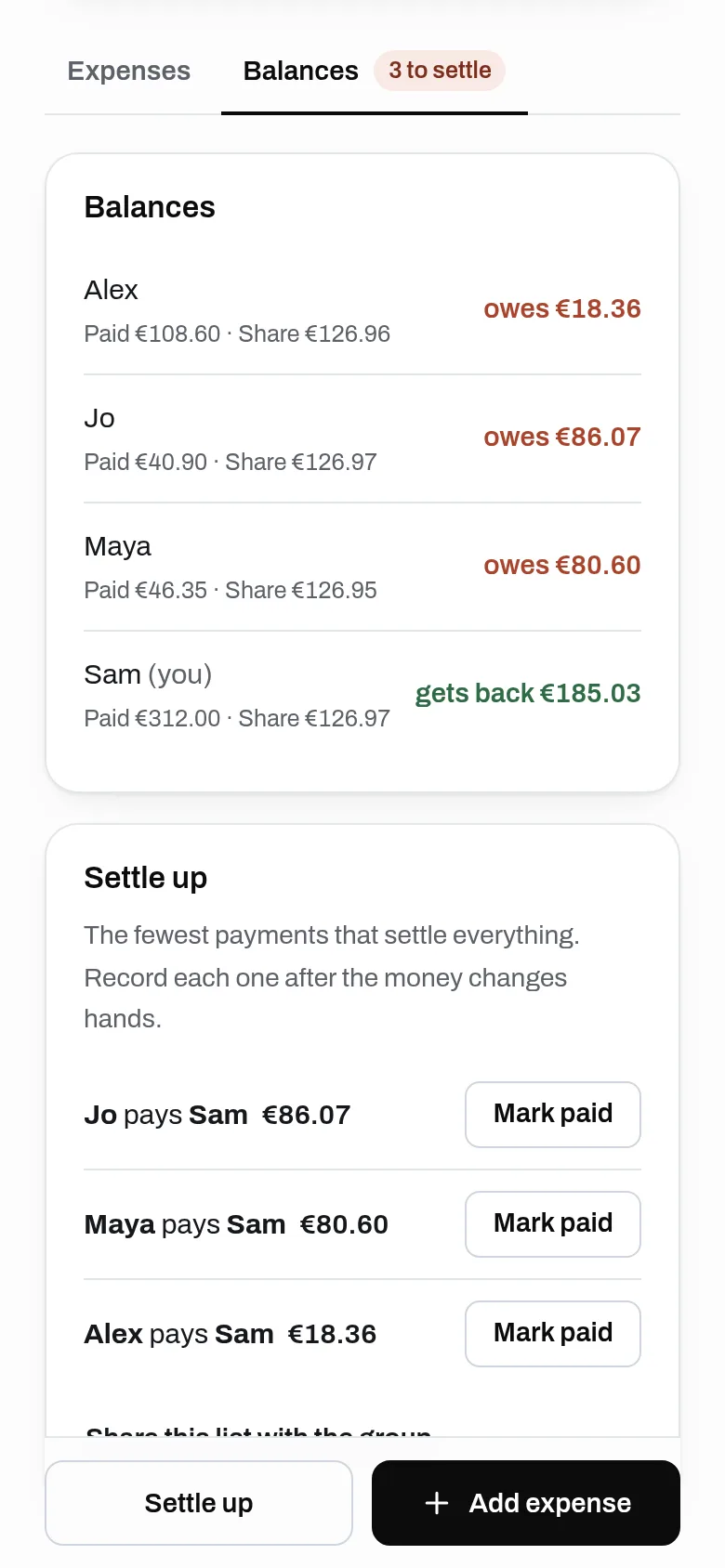
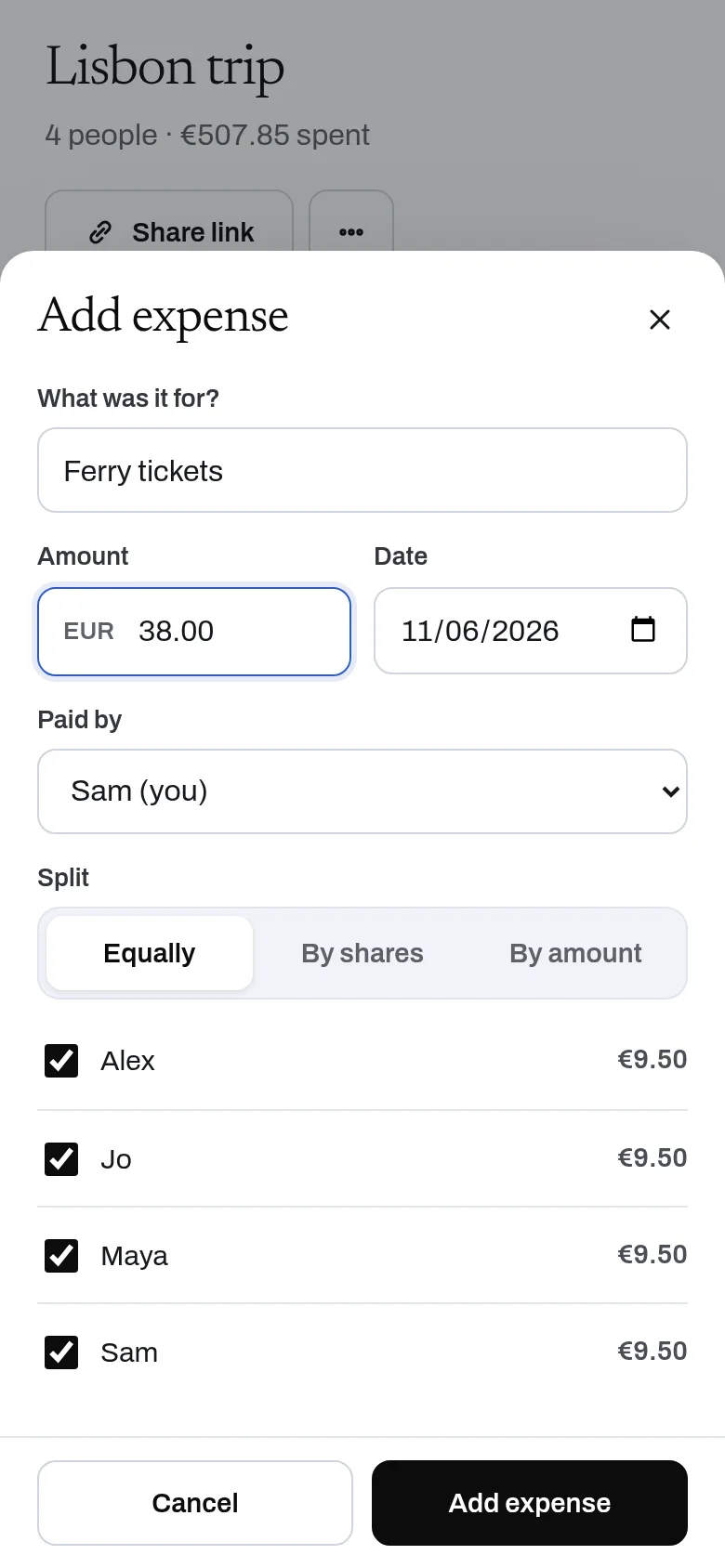
Make a group for a trip, a house or a dinner, share the link, and add expenses as they happen. Split equally, by shares or by exact amounts. Split shows who owes whom and a short list of payments that settles everything.
- Unlimited groups and expenses, no daily cap
- Join from a link: no account, no app to install
- Split equally, by shares or by exact amounts
- Balances that always add up to zero
- Settle up with a short list of payments
- Each group in its own currency
- API for AI assistants: create a group and add expenses
Why use it
Free. Unlimited groups and expenses. No account is needed to use it. Each expense is one small write; it stays free.
A free alternative to
For your AI assistant
Split has a public web API that needs no key and no account.
An assistant can set up a group for a trip, add expenses from receipts the user sends it, and tell everyone what they owe.
Connect every OpenApps app to your assistant · Split guide for assistants
Compare every free option
Questions
Is there a limit on expenses?
Does everyone need to sign up?
How does settling up work?
Can my AI assistant add expenses?
Anyone can read the source of Split. Contribute to Split.