
 Lists
Home
One shopping list the whole house can add to.
Make a list and send the link. Items sort by aisle and show on every phone right away.
Free, no sign-up, no ads.
What it does
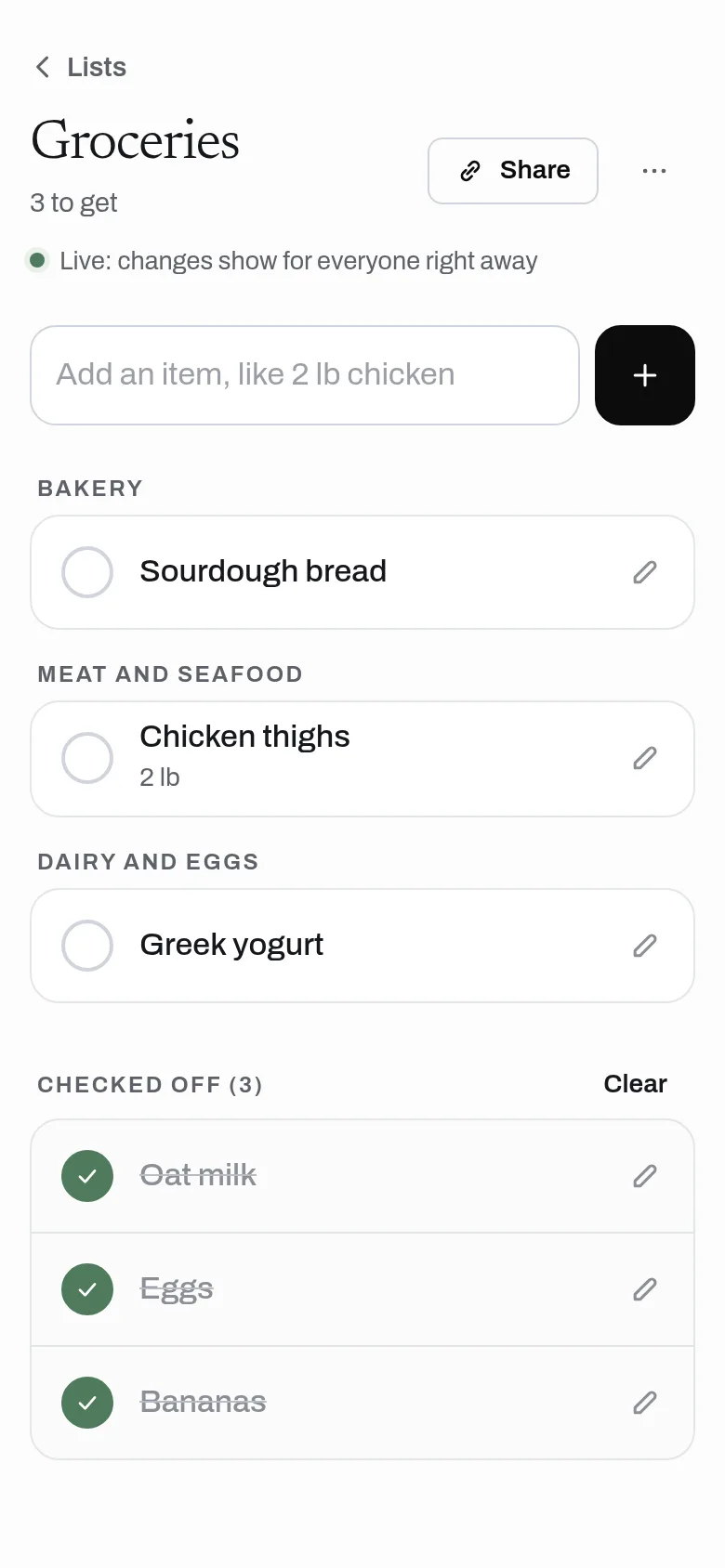
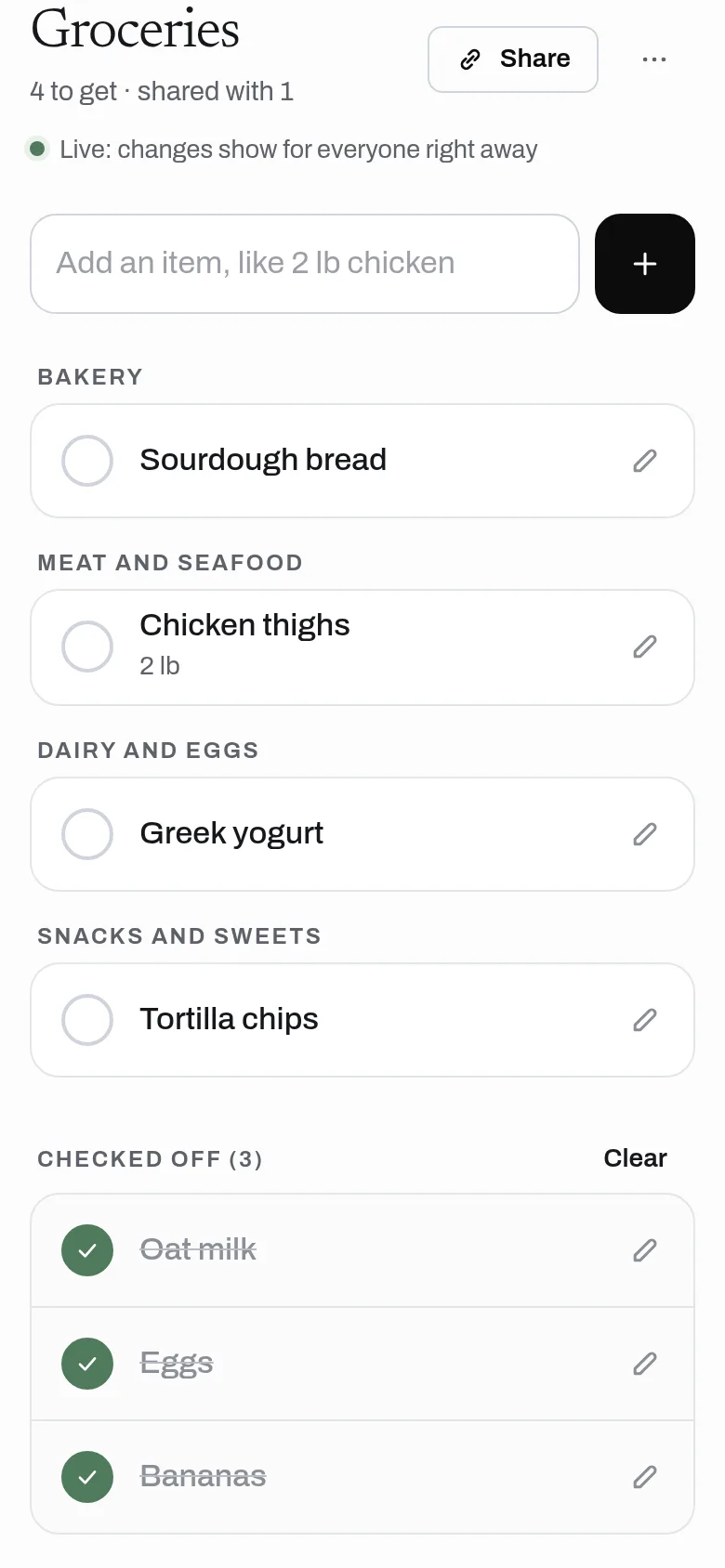
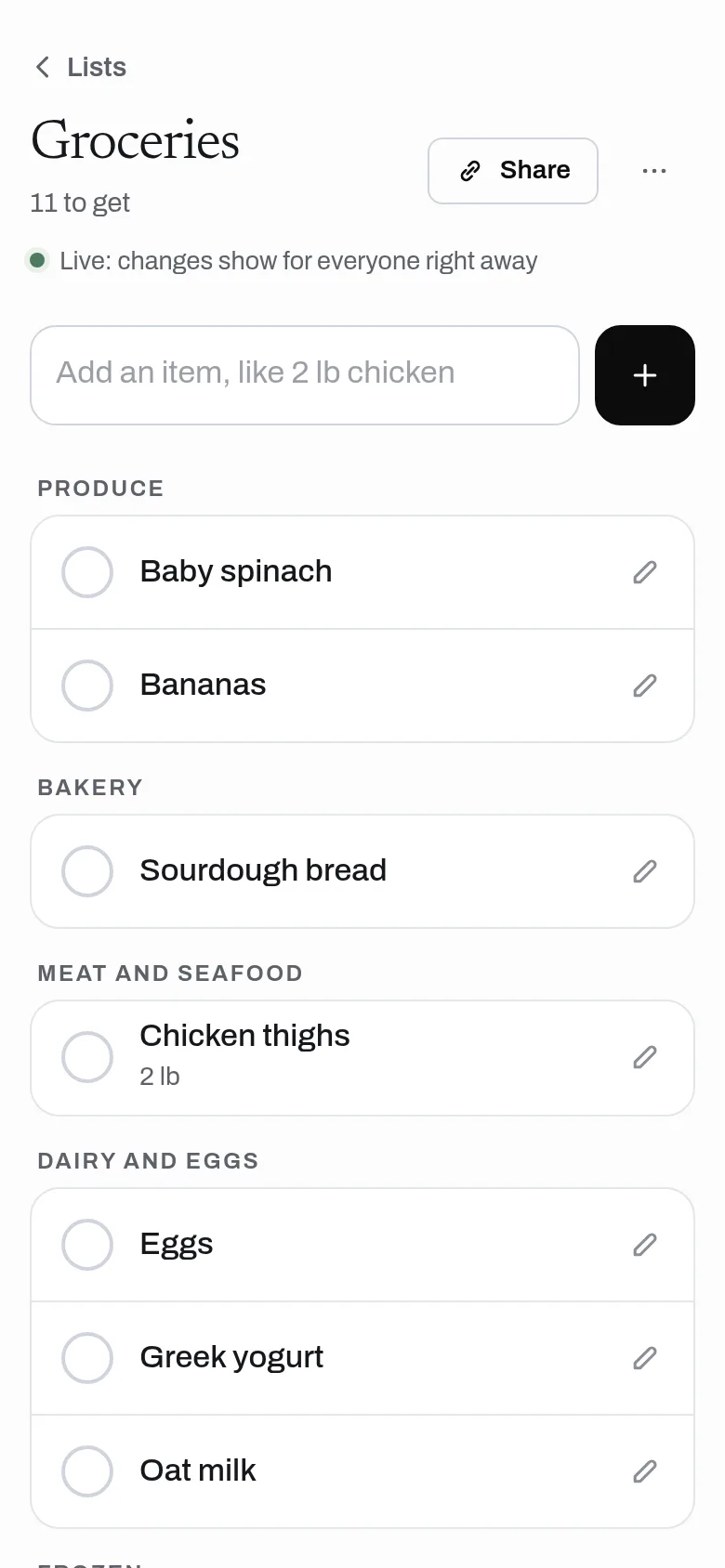
Make a grocery or to-do list, share the link with your household, and see items added and checked off on every phone right away. Items sort by store aisle on their own, and the list works in the store with no signal. No ads and no sign-up. A list shows up to 1,000 items.
- Shared grocery and to-do lists, with no ads and no sign-up; a list shows up to 1,000 items
- Share by link; items show on every phone right away
- Items sort by store aisle on their own, and remember your fixes
- Put the aisles in the order you walk your store
- Add several items at once, with quantities, and add a note to any item
- Works offline in the store and syncs when you are back online
- API for voice and AI assistants: add items, check them off and read the list
Why use it
Free. No ads and no limit on lists. No account is needed to use it. A list is a handful of small records, so Lists costs almost nothing to run.
A free alternative to
For your AI assistant
Lists has a public web API with no account. Making a list needs no key; reading and changing one needs its list key.
With the list key, a voice or AI assistant can make a list, add items, check them off, clear checked items and read the list back.
Connect every OpenApps app to your assistant · Lists guide for assistants
Questions
Is Lists really free?
Does everyone need an account?
Does it work in a store with no signal?
How does aisle sorting work?
Anyone can read the source of Lists. Contribute to Lists.