 Dictate
Writing
Talk instead of typing. Your voice stays put.
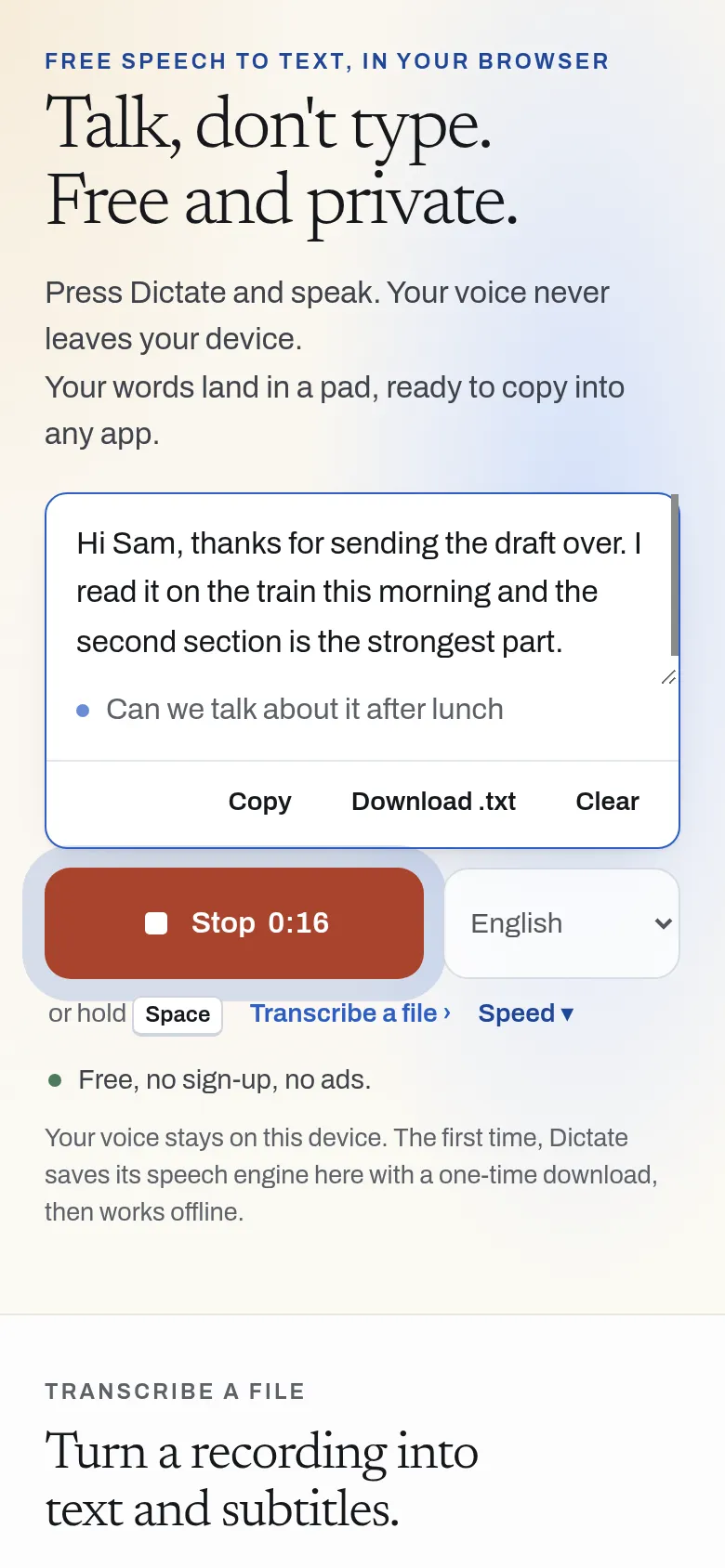
Press Dictate and speak. Your words appear with punctuation, ready to copy. It all happens on your device.
Free, no sign-up, no ads.
What it does
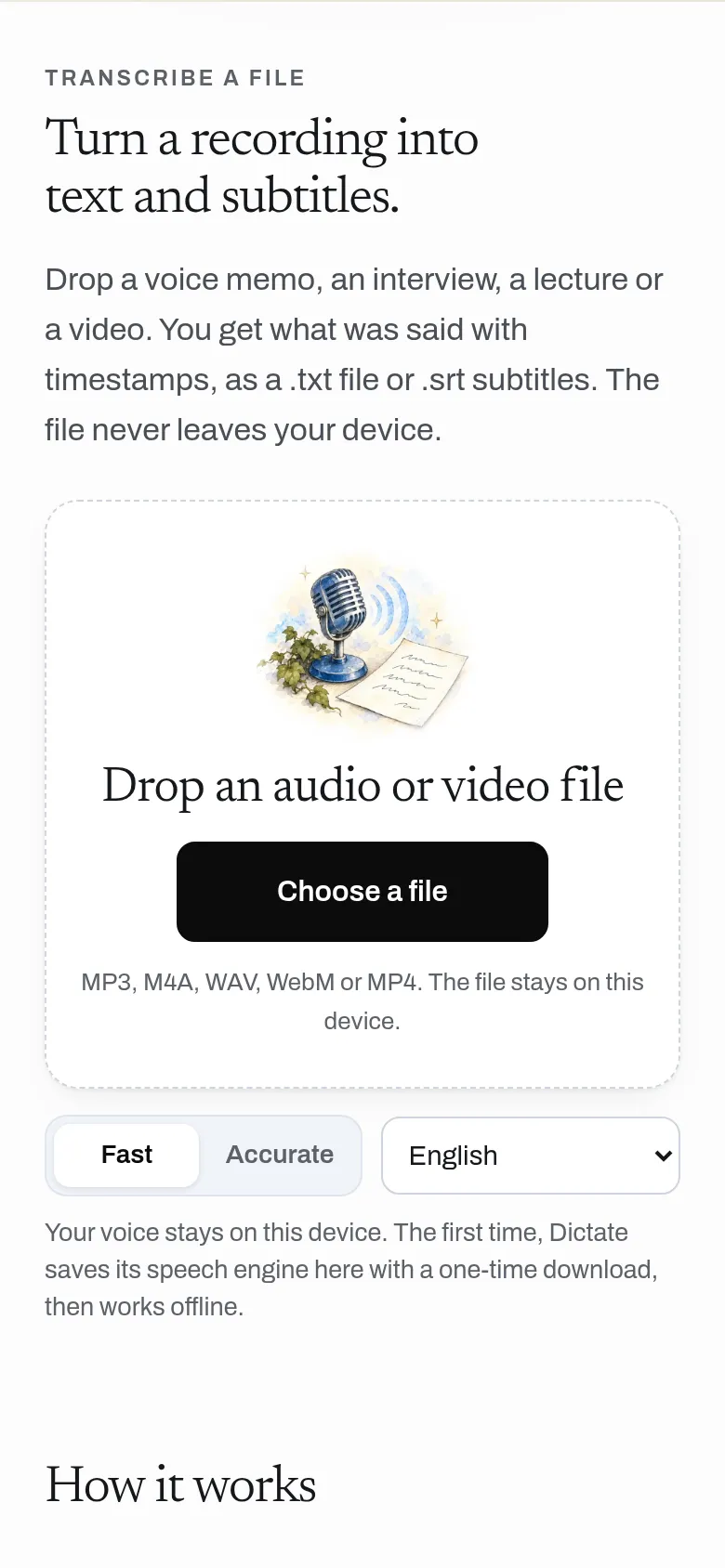
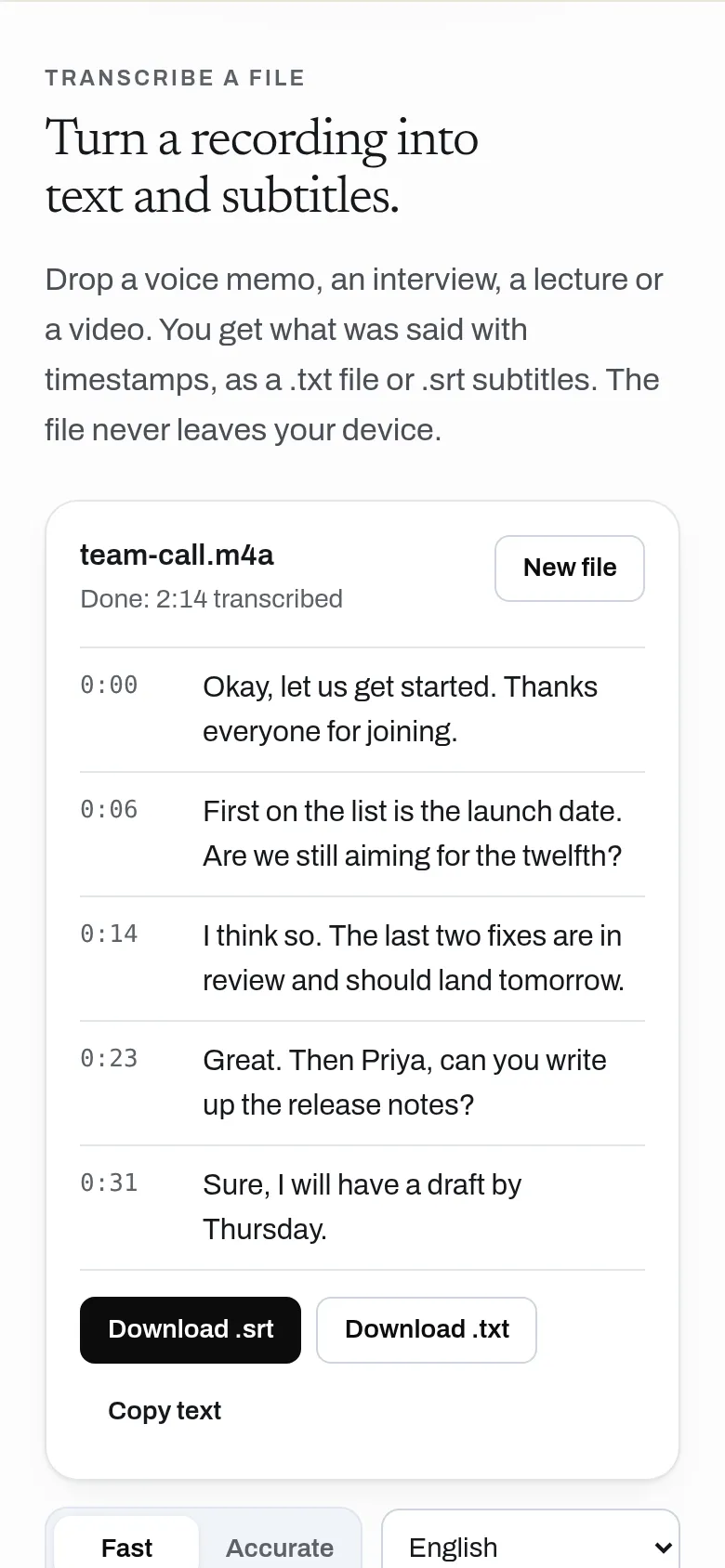
Press a button and talk; your words appear as text you can copy anywhere. Drop in a recording to get a transcript with timestamps and subtitles. Speech recognition runs on your own device, so your audio is never uploaded.
- Dictate into a text box and copy it anywhere
- Transcribe audio and video files with timestamps
- Export .txt and .srt subtitles
- Runs on your device: audio is never uploaded
- Works offline after the first load, and installs like an app
- No account, no word or minute limits
Why use it
Free. No word or minute limits. No account is needed to use it. Speech recognition runs on your device, so it costs almost nothing to run.
A free alternative to
For your AI assistant
Dictate has no public web API, so an assistant cannot call it directly. An assistant can still point you to it and explain how to use it.
Dictate runs in the person's browser, so there is no server API. An assistant can send people to it for private dictation or transcription.
Connect every OpenApps app to your assistant · Dictate guide for assistants
Compare every free option
Questions
Is my audio uploaded?
How accurate is it?
Does it work offline?
Is it a system-wide dictation app like Wispr Flow?
Anyone can read the source of Dictate. Contribute to Dictate.