 Canvas
Design
Draw ideas together on a free whiteboard.
Sticky notes, sketches and plans. Send the link and everyone draws live from a laptop or a phone.
Free, no sign-up, no ads.
What it does
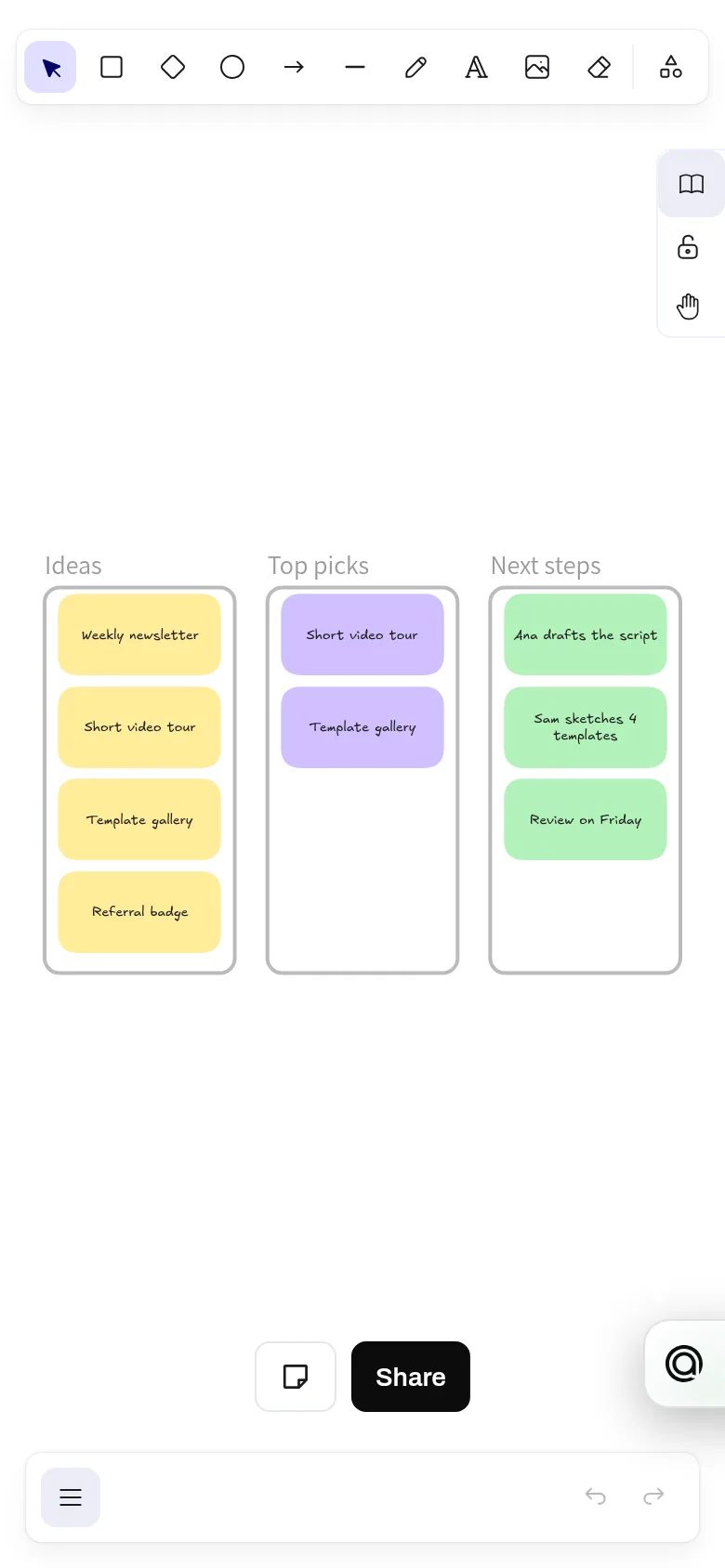
Draw shapes, arrows, sticky notes and frames on an endless canvas, share an edit link or a view-only link, and see everyone's pointers live. There is no cap on editable boards and no sign-up. Canvas is built on the open-source Excalidraw editor, and boards export as PNG, SVG or .excalidraw files.
- Unlimited boards, every one editable, with no sign-up
- Live editing with everyone's pointer and name on screen
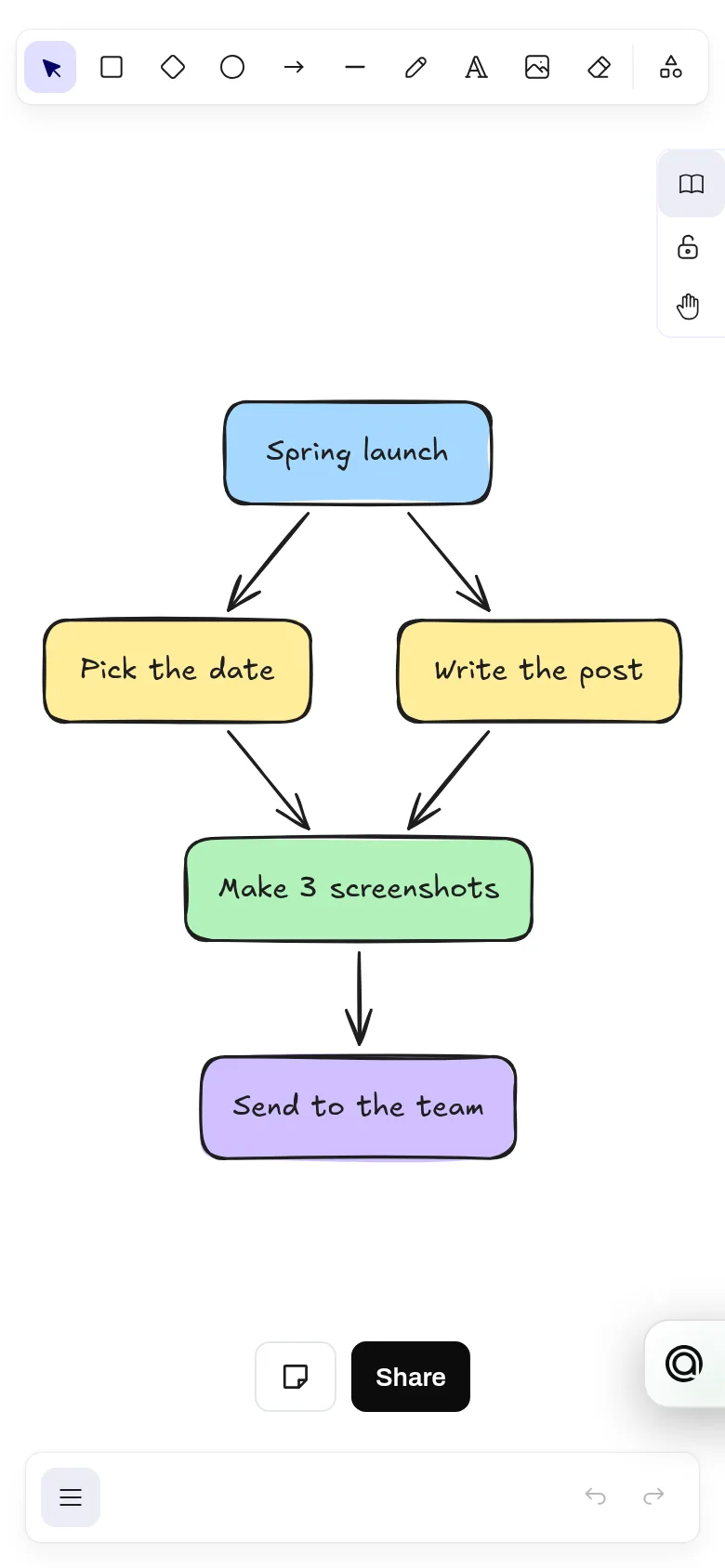
- Shapes, arrows that stay attached, text, freehand drawing, sticky notes and frames
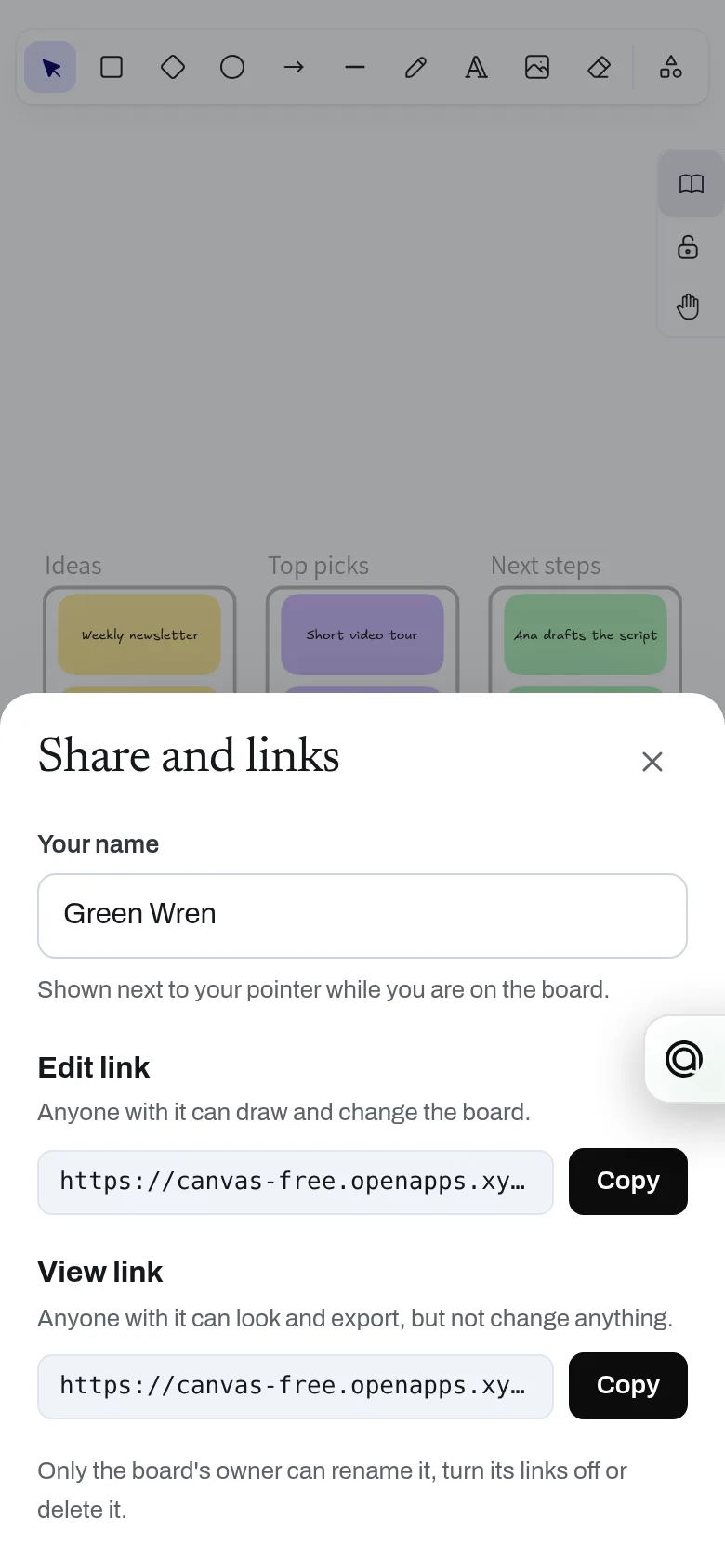
- Edit link, view-only link and a private admin link
- Templates for brainstorms, retros, user flows and weekly plans
- Export PNG or SVG, or save an .excalidraw file
- API for AI assistants: start a board from a flowchart, mind map or sticky-note columns
Why use it
Free. Unlimited editable boards. No account is needed to use it. Boards are small records and images are capped at 2 MB each, so Canvas costs very little to run.
A free alternative to
For your AI assistant
Canvas has a public web API that needs no key and no account.
An assistant can start a board from a flowchart, mind map, sticky-note columns or a template in one call, laid out for it, hand the person the links and read the board back later.
Connect every OpenApps app to your assistant · Canvas guide for assistants
Questions
Is Canvas really free?
Do people need an account?
Is it built on Excalidraw?
Can I add images?
Anyone can read the source of Canvas. Contribute to Canvas.