
 Polls
Meetings
Ask the room. See every answer live.
Put a question on the screen and your audience answers on their phones. No app, no account.
Free, no sign-up, no ads.
What it does
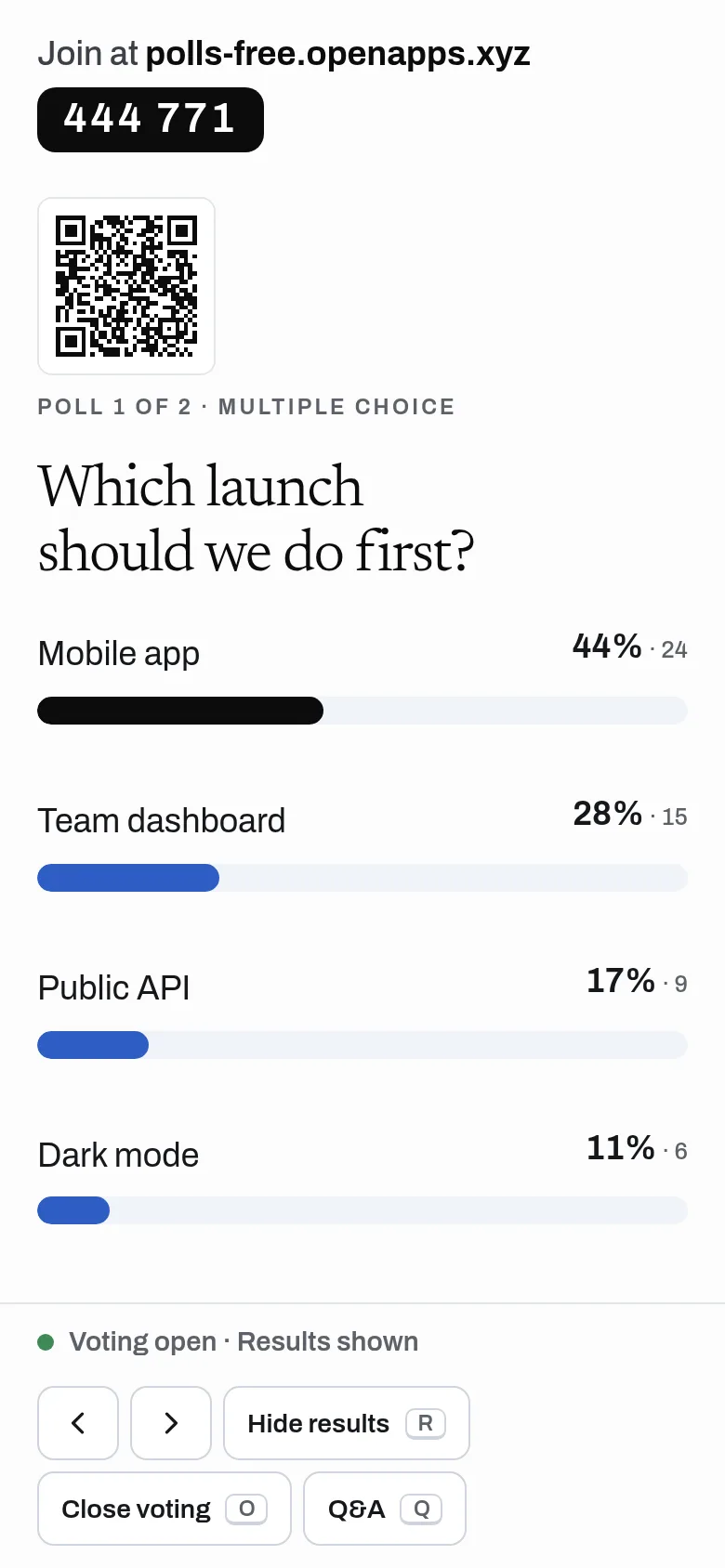
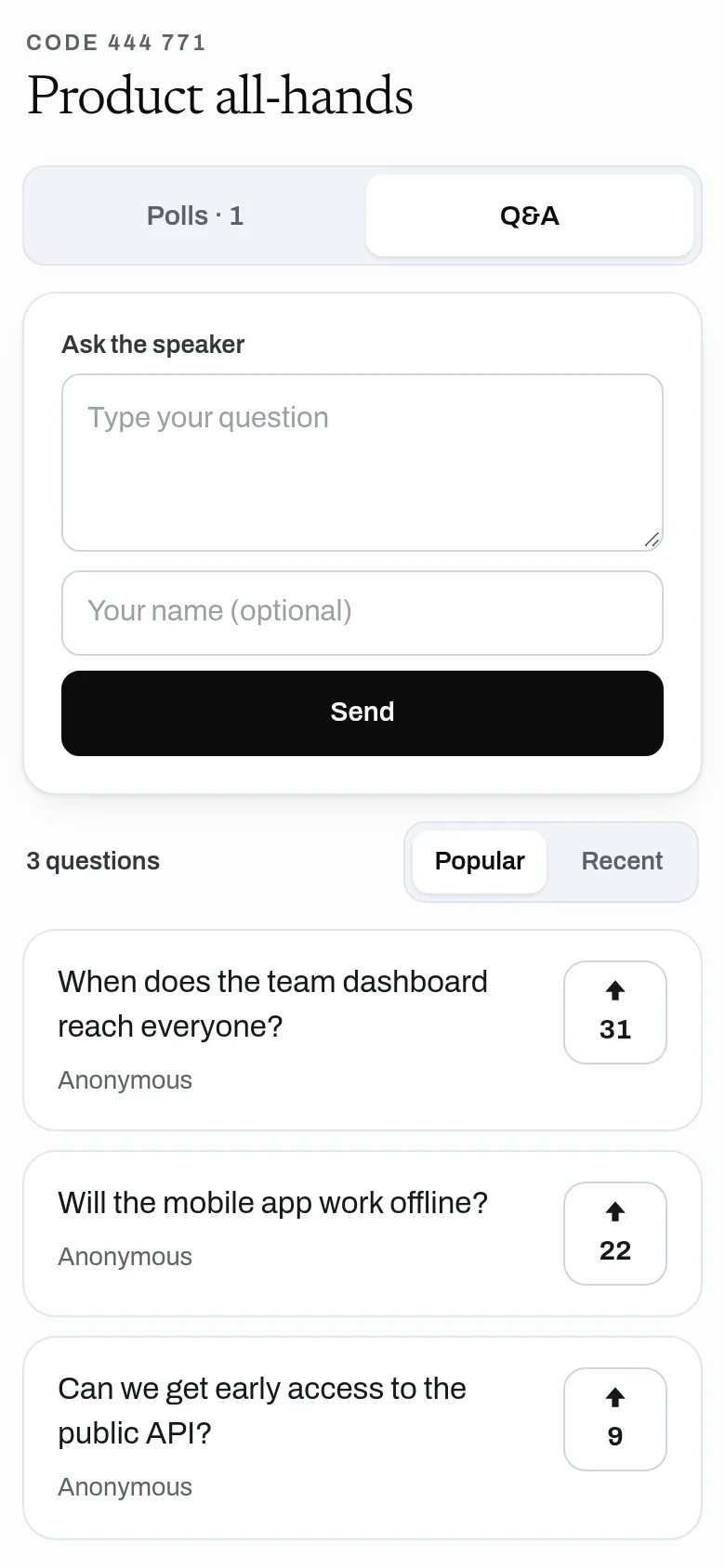
Make polls, word clouds, ratings and rankings, share a 6-digit code, and watch results come in live on a full-screen view. Run audience Q&A with upvotes and moderation. No limit on participants, polls or votes.
- Multiple choice, word cloud, rating scale, open text and ranking
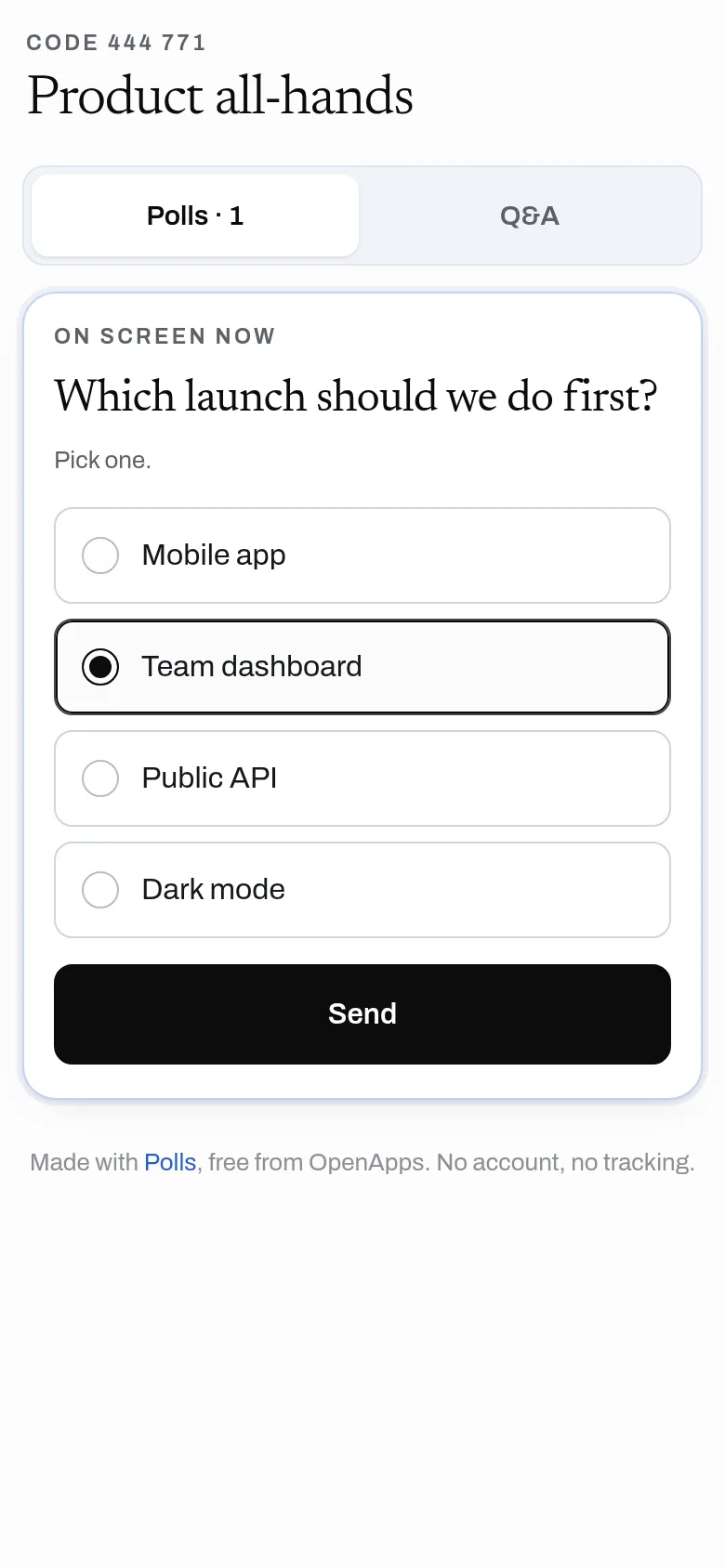
- Audience joins with a code or QR code, no app and no account
- Full-screen present mode with live results and clicker keys
- Audience Q&A with upvotes, approval, hide and answered
- One vote per device per poll; drafts stay hidden until opened
- CSV export of results and questions
- API: an assistant can create a whole event in one call
Why use it
Free. No cap on participants, polls or votes. No account is needed to use it. A vote is one tiny write, so Polls costs almost nothing to run.
A free alternative to
For your AI assistant
Polls has a public web API that needs no key and no account.
An assistant can create an event with all its polls in one call and get the join code, audience link, admin link and present link back.
Connect every OpenApps app to your assistant · Polls guide for assistants
Questions
Is Polls really free?
Do people need an app?
Can someone vote twice?
Can I moderate questions?
Anyone can read the source of Polls. Contribute to Polls.