
 Feedback
Product
Find out what users want. Let them vote on it.
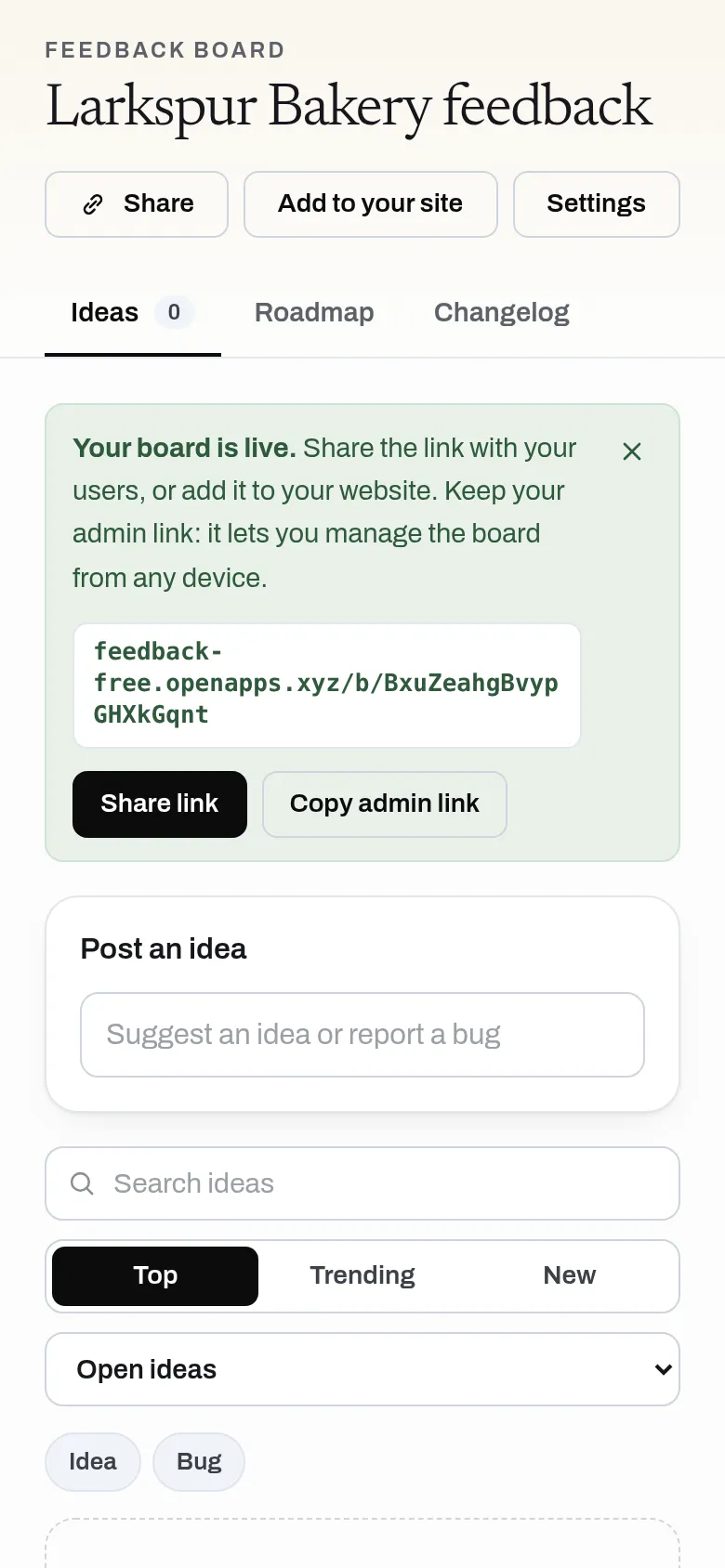
Post ideas, vote, show a public roadmap and a changelog. No sign-up for you or for them.
Free, no sign-up, no ads.
What it does
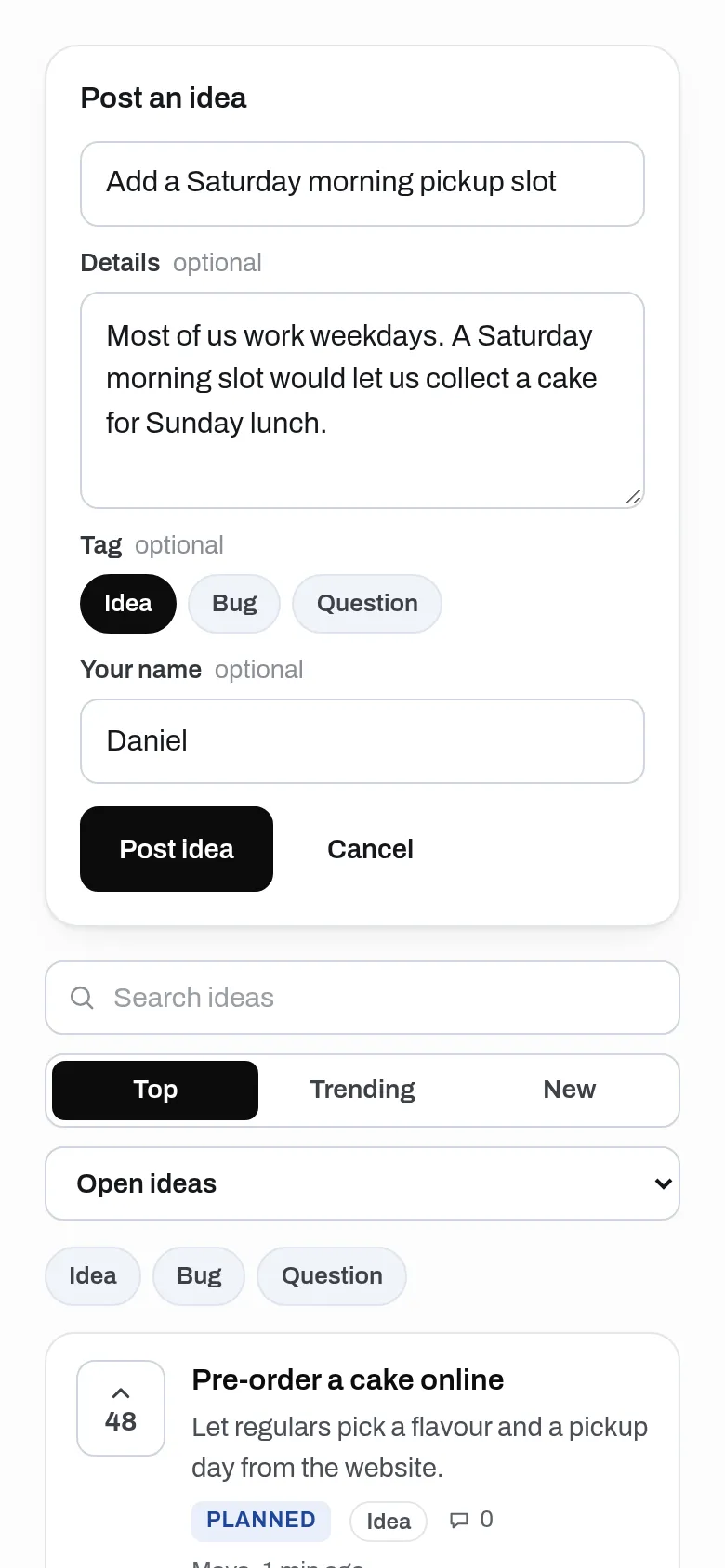
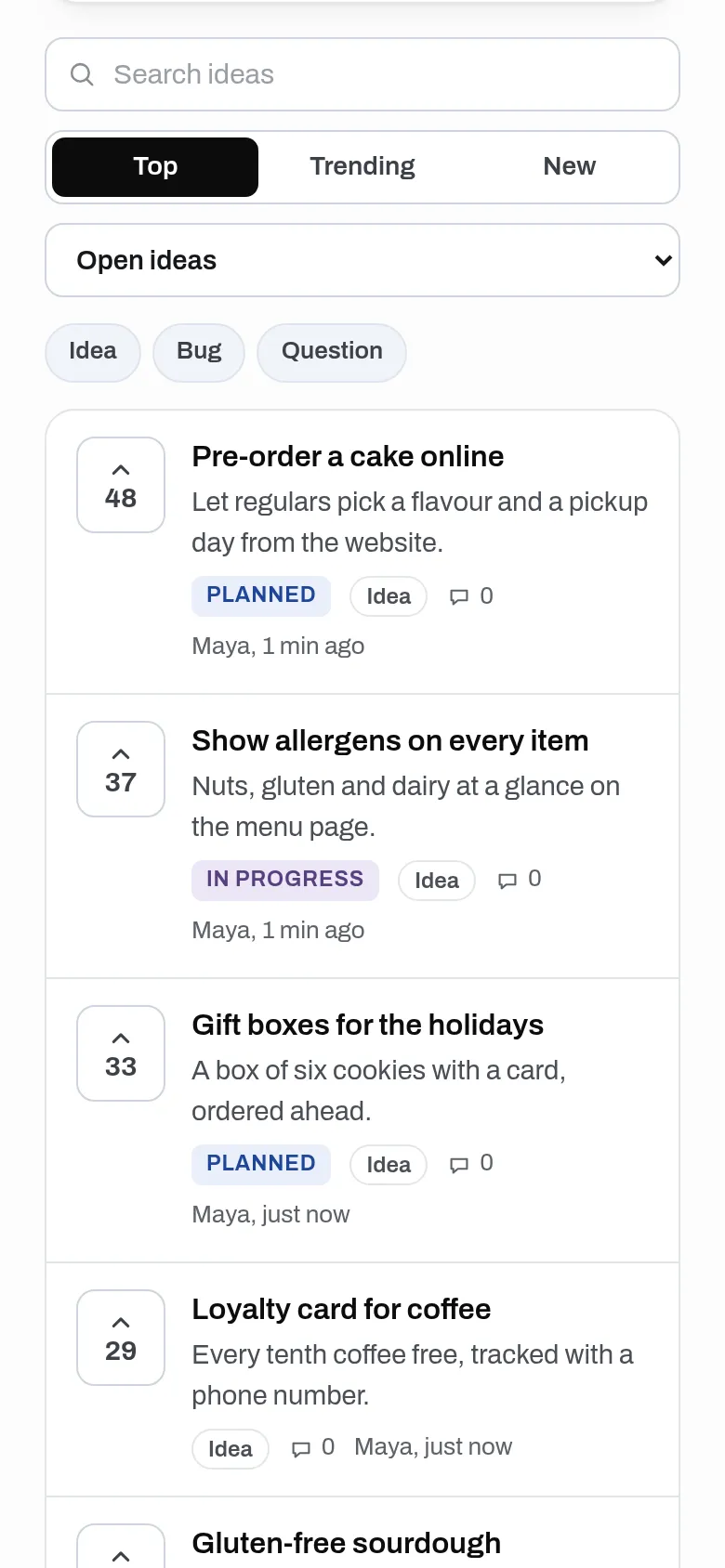
Make a board where people post ideas and bug reports, vote and comment, with no sign-up. Move ideas through statuses on a public roadmap, and write a changelog that marks their idea as shipped. No limit on boards, votes or comments; the web app lists up to 1,000 ideas a board and 1,000 comments an idea.
- Unlimited boards, votes and comments, with no sign-up; the web app lists up to 1,000 ideas a board and 1,000 comments an idea
- One vote per person per idea, comments and replies marked as from the team
- Statuses from new to done; sort by Top, Trending or New, filter and search
- Similar ideas suggested before a duplicate is posted, and merging that keeps votes
- A public roadmap, and a changelog that marks ideas as shipped (Feedback sends no emails yet)
- A feedback button for any website, plus a plain HTML form
- API for AI assistants: read top requests, post ideas and write the changelog
Why use it
Free. No limit on boards or votes. No account is needed to use it. An idea or a vote is one small record, so Feedback costs almost nothing to run.
A free alternative to
For your AI assistant
Feedback has a public web API that needs no key and no account.
An assistant can create a board, read the top requests and their statuses and post ideas through the public API, and with the owner key it can change statuses and write the changelog.
Connect every OpenApps app to your assistant · Feedback guide for assistants
Questions
Is Feedback really free?
Do people need an account to vote?
Can I add it to my website?
How big can a board get?
Anyone can read the source of Feedback. Contribute to Feedback.