 Resume
Writing
Make a resume. Download the PDF free.
Fill in your details, pick a template and get a clean PDF with real text and no watermark.
Free, no sign-up, no ads.
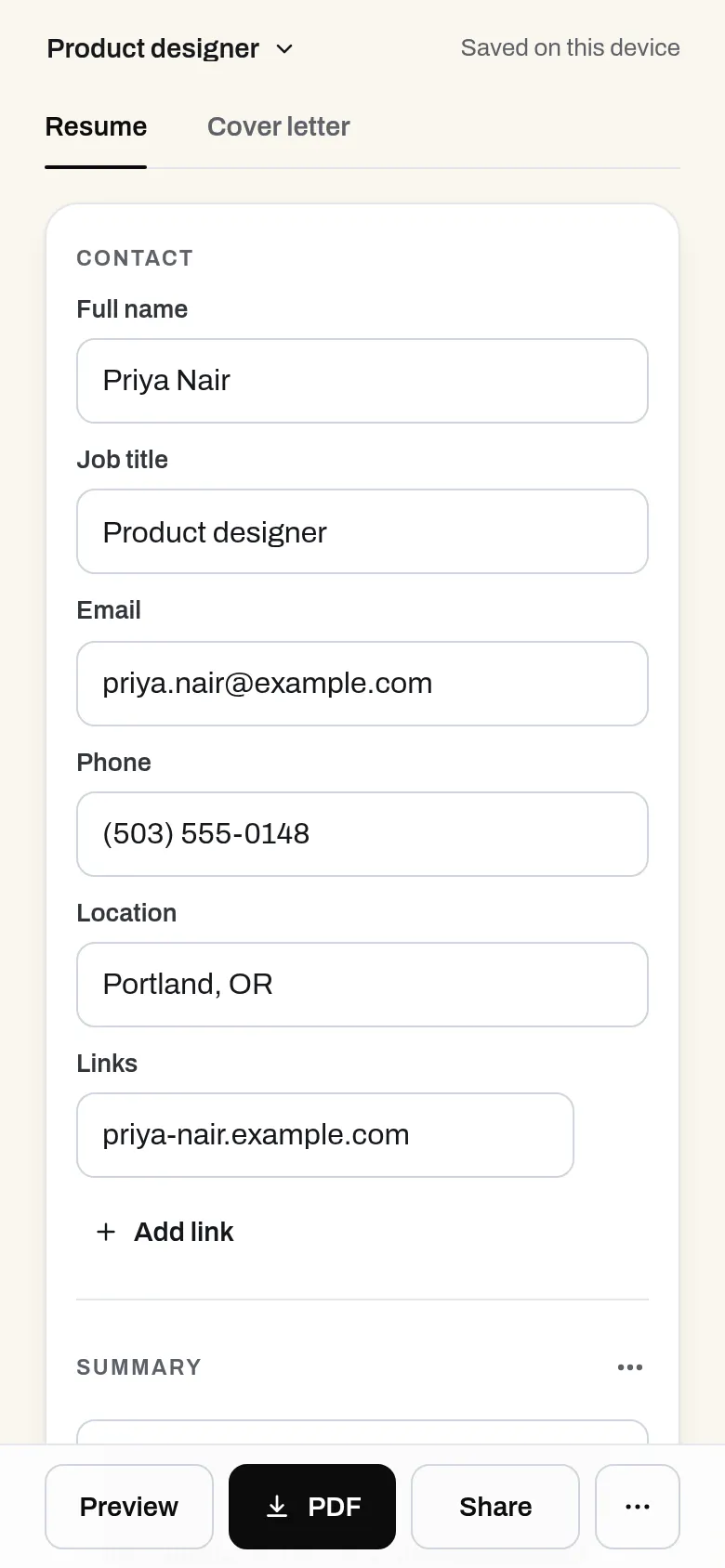
What it does
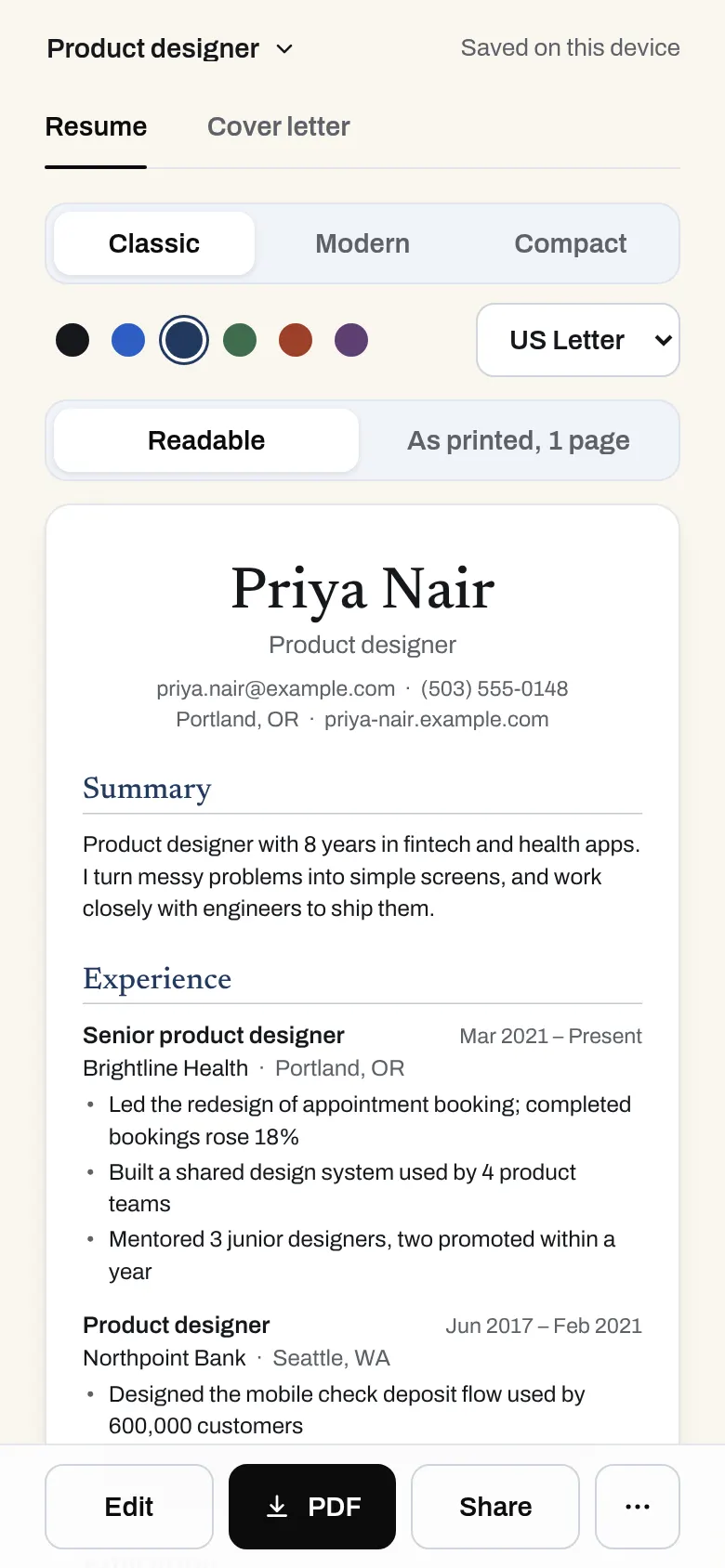
Fill in your experience, pick a clean template and download a PDF with real, selectable text. No trial, no subscription, no watermark, and your resume stays on your device unless you share it by link.
- Contact, summary, experience, education, skills, projects and more
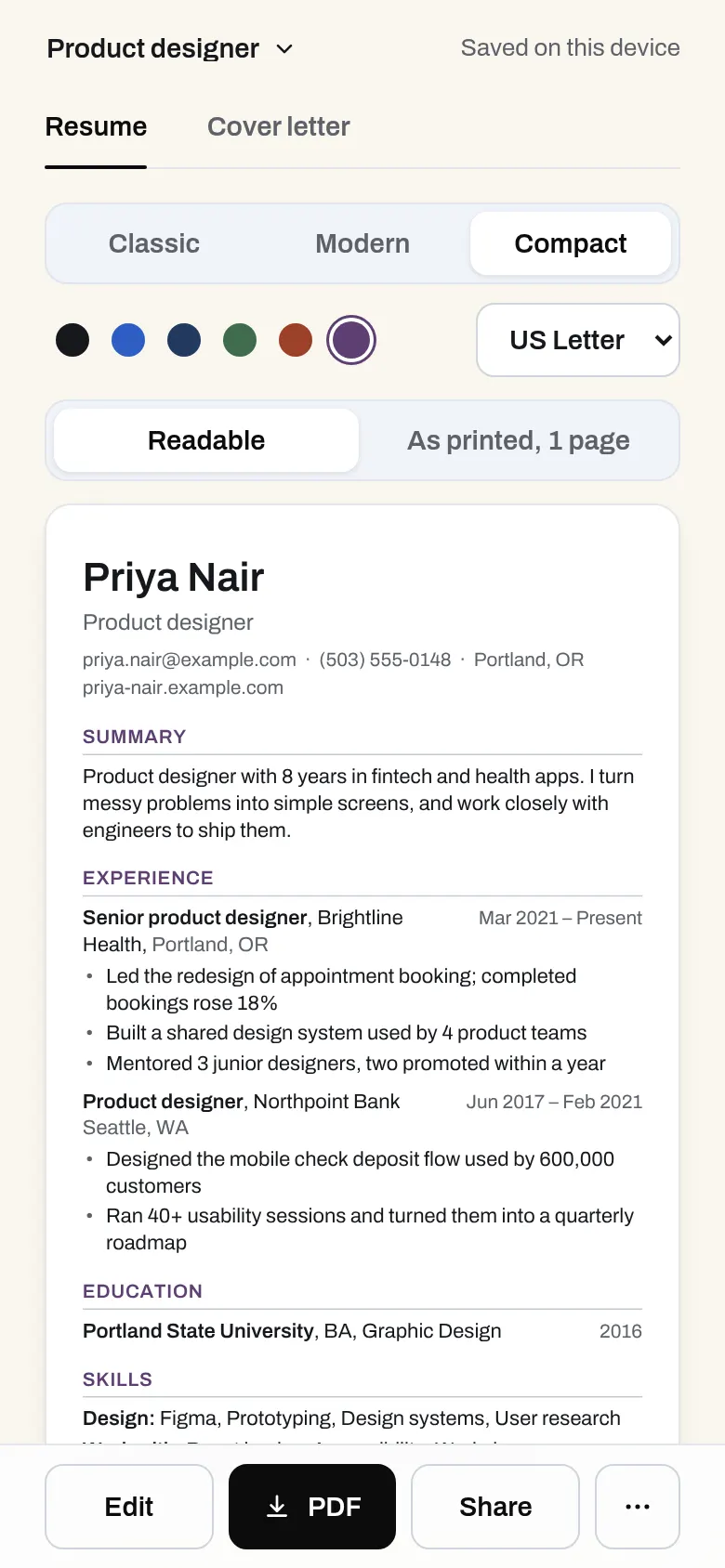
- Three clean templates that read well in applicant tracking systems
- Download a PDF with real text, plus plain text and JSON
- Saved on your device as you type
- Share a link, and edit it from a private admin link
- API for AI assistants: turn career notes into a resume in one call
Why use it
Free. Unlimited resumes and downloads. No account is needed to use it. Resumes are made in your browser; shared links cost very little. It stays free.
A free alternative to
For your AI assistant
Resume has a public web API that needs no key and no account.
An assistant can turn a person's career notes into a formatted resume in one call and hand back a link where the PDF downloads.
Connect every OpenApps app to your assistant · Resume guide for assistants
Questions
Is the PDF download really free?
Will it pass applicant tracking systems?
Is my resume uploaded?
Can my AI assistant write it?
Anyone can read the source of Resume. Contribute to Resume.