
 Sign
Documents
Get documents signed. Free, no document limit.
Add a PDF, say who signs, and send each person a link. They sign on any phone, with no account.
Free, no sign-up, no ads.
What it does
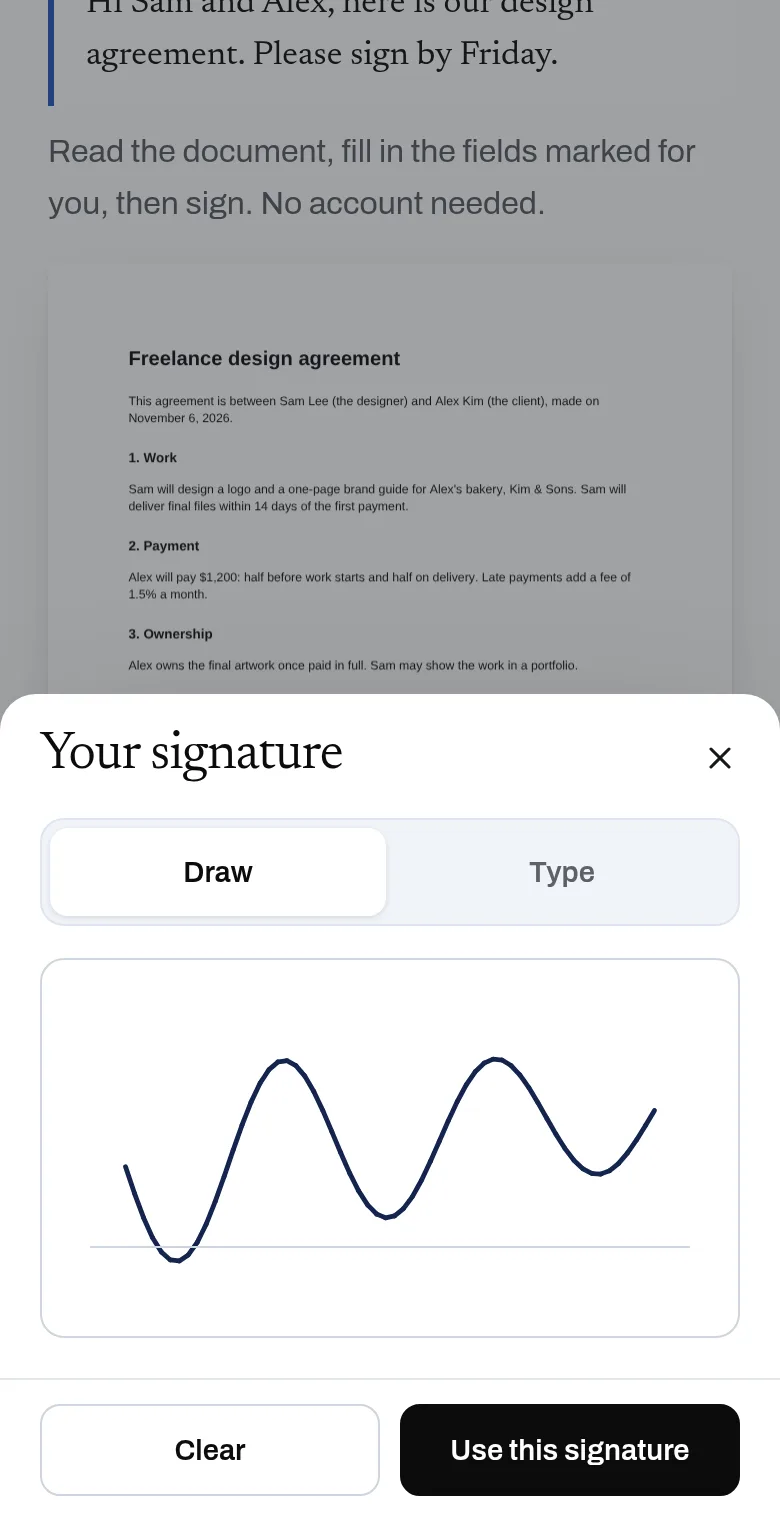
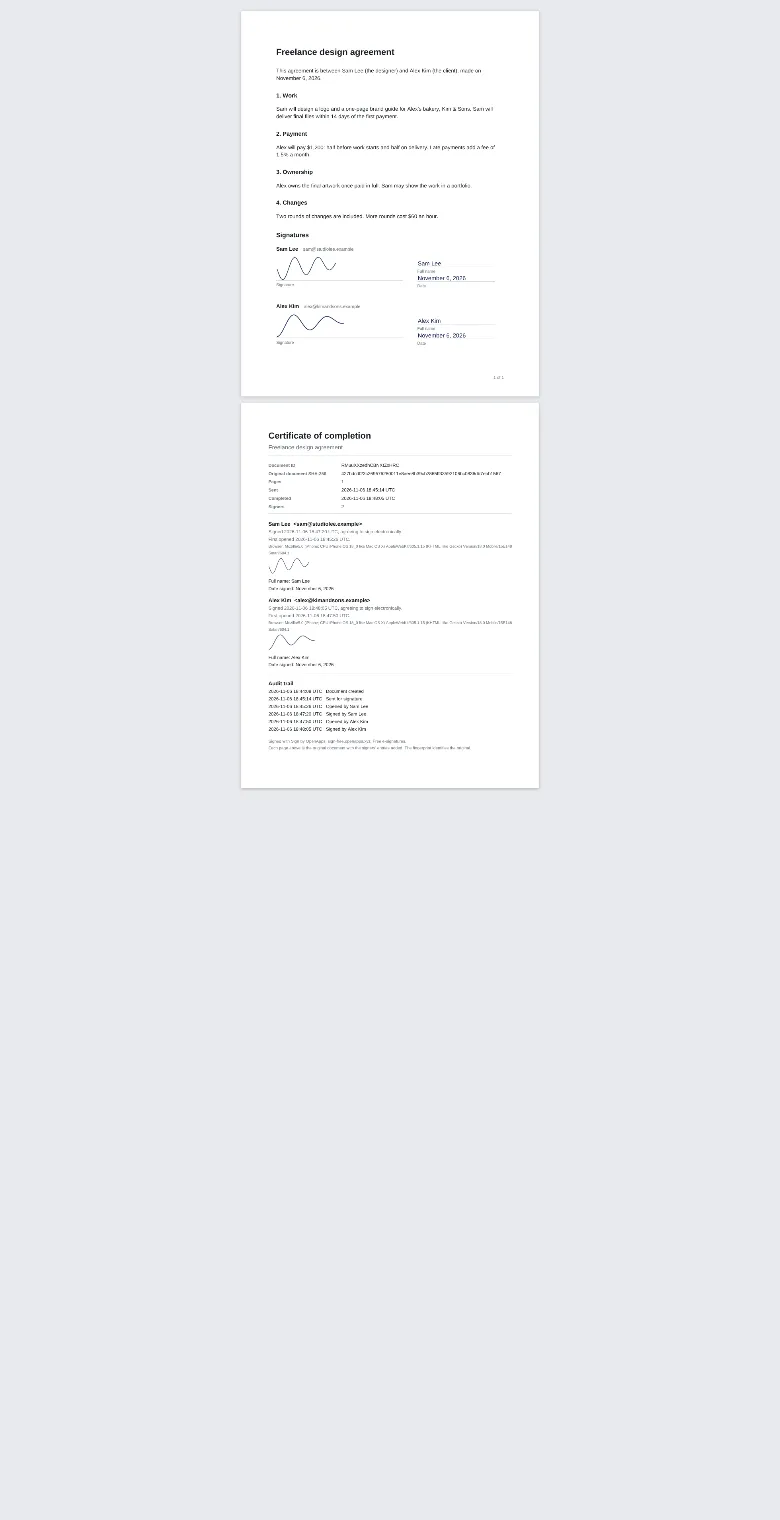
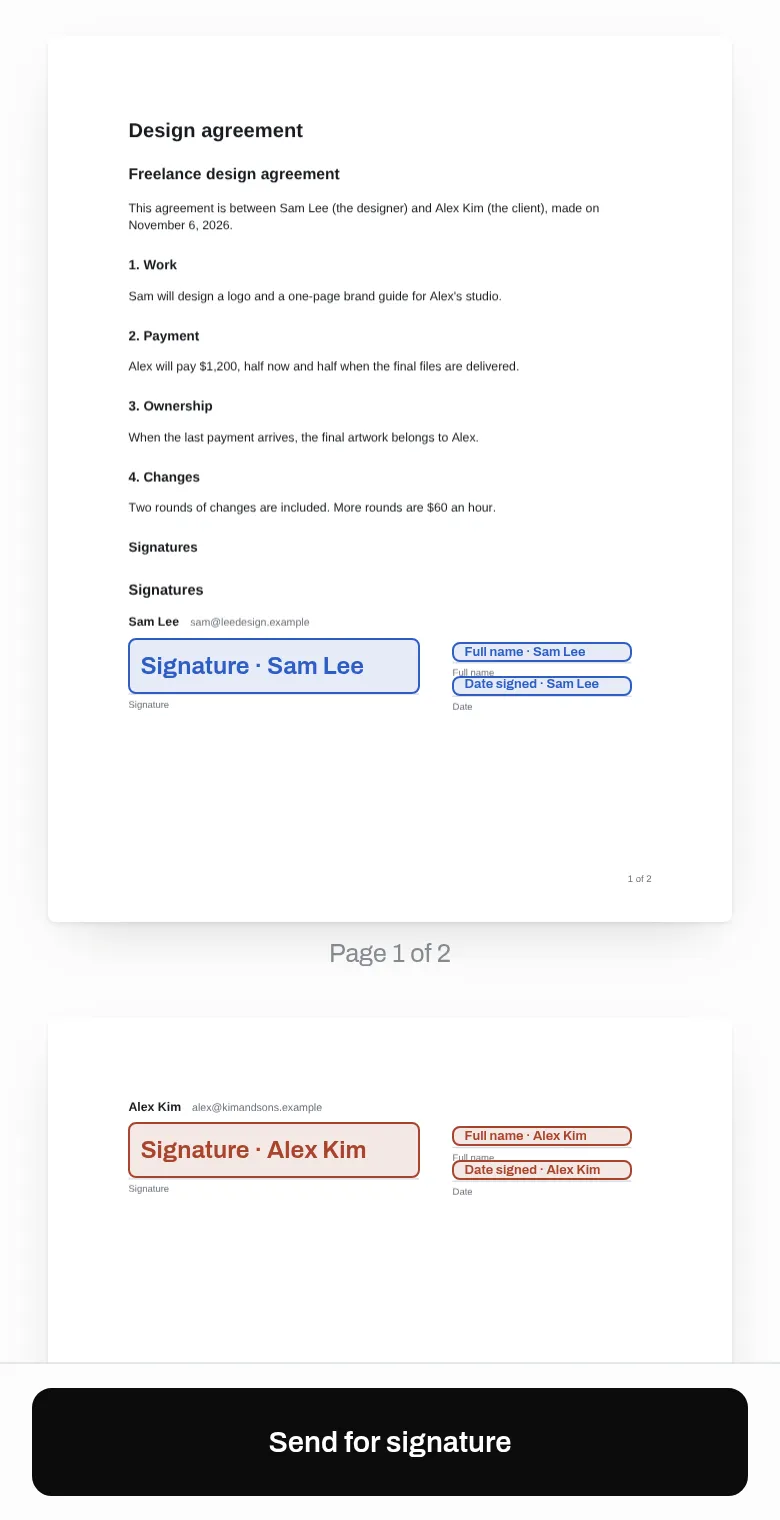
Upload a PDF or paste the text of a contract, add the people who need to sign, and send each of them a private signing link. They sign in the browser with no account. Once all have signed, everyone can download the signed PDF, with an audit trail, from their link.
- No limit on documents, up to 10 signers on each, and make a copy to send again
- Upload a PDF, or paste or write the text and Sign turns it into a PDF
- Signature, initials, date, name and text fields placed where you want them
- Signers sign from a private link: no account, no app, works on a phone
- Draw or type a signature
- Audit trail: who signed, when, and a fingerprint of the exact document
- Signed PDF with a completion certificate for everyone
- API for AI assistants: create a signing request in one call
Why use it
Free. No limit on documents. Up to 10 signers on each. No account is needed to use it. Storing your documents costs us a little; it stays free.
A free alternative to
For your AI assistant
Sign has a public web API that needs no key and no account.
An assistant can send a contract it wrote for signature in one HTTP call with the contract text and the signers' names, then share the signing links it gets back.
Connect every OpenApps app to your assistant · Sign guide for assistants
Compare every free option
Questions
Is it really free?
Are electronic signatures from Sign legally binding?
Do signers need an account?
Can my AI assistant use it?
Who can see my documents?
Anyone can read the source of Sign. Contribute to Sign.