
 Meet
Meetings
Free video calls with no time limit.
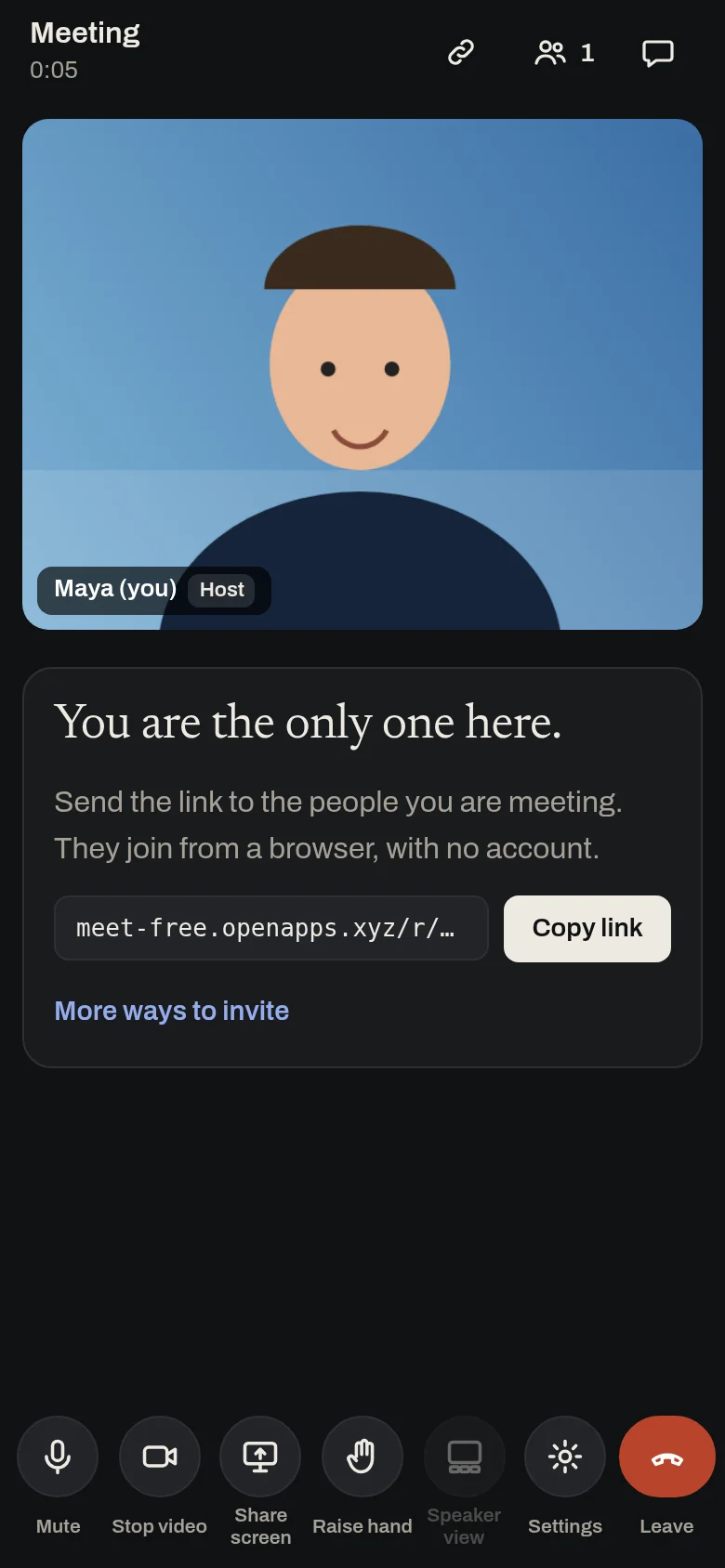
Start a call in one tap and send the link. People join from any phone or computer.
Free, no sign-up, no ads.
What it does
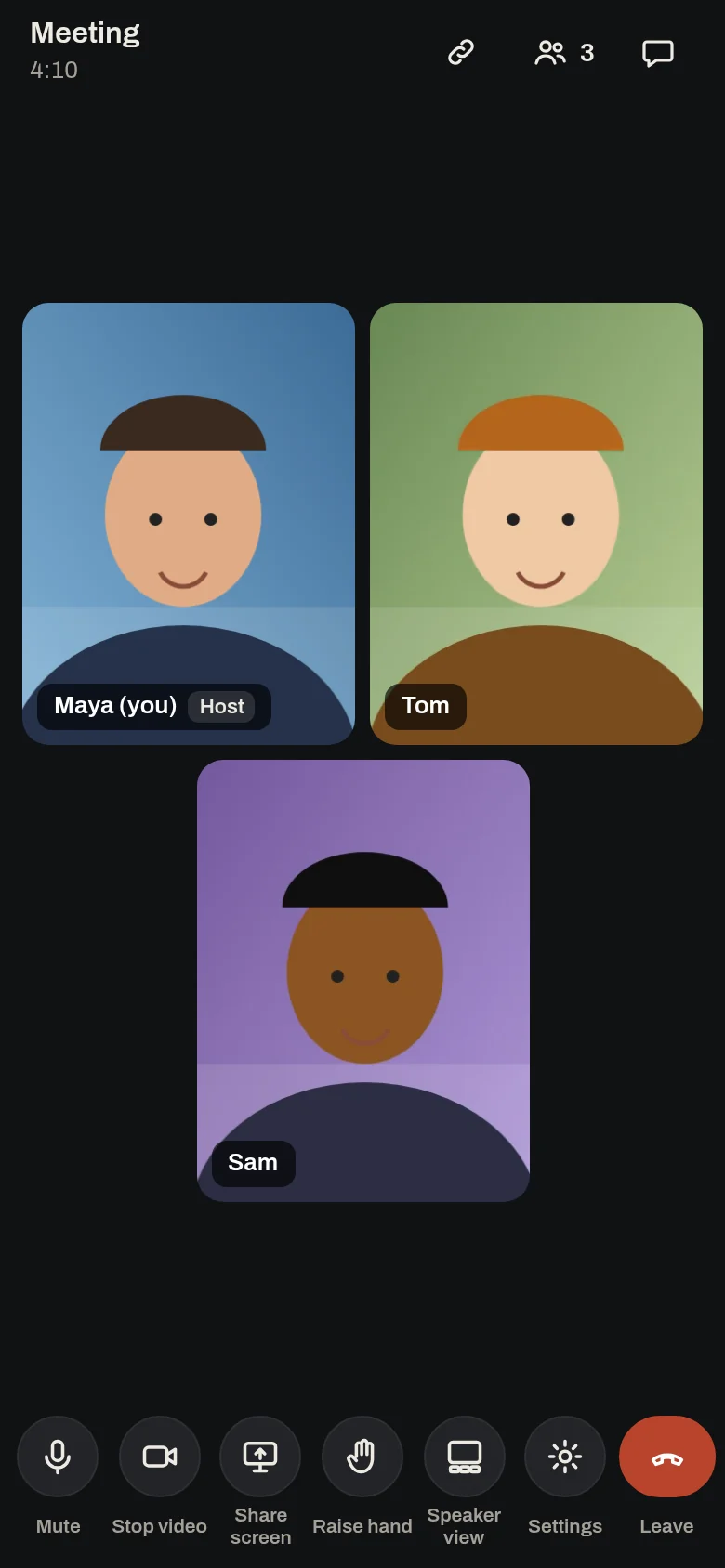
Start a video call in one tap, share the link, and people join from any browser with just a name. There is no time limit, no account and nothing to install, and video and sound go person to person, encrypted, never recorded. Calls work best for up to about 6 people.
- Video calls with no time limit, for two people or a group
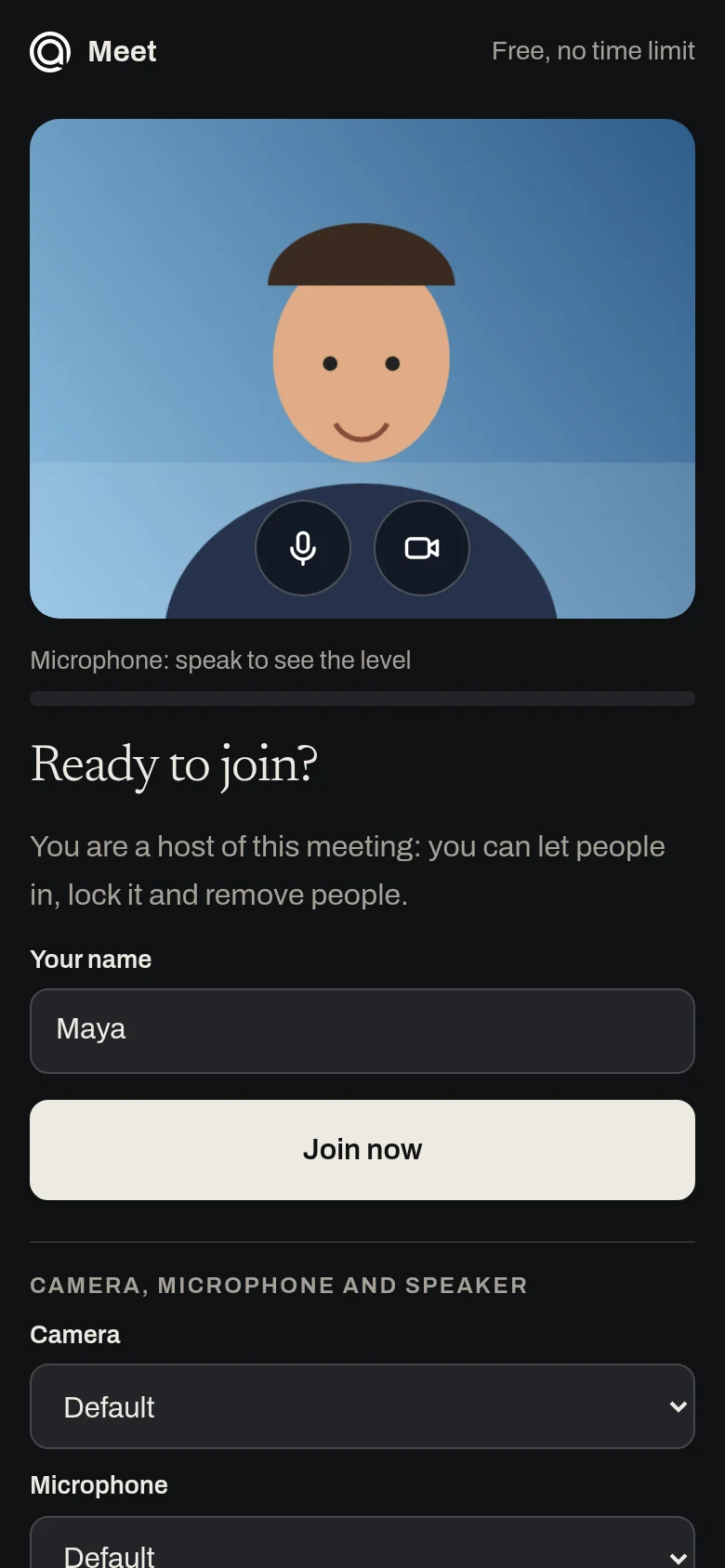
- No account or install: join from any browser with just a name
- Grid and speaker views, screen sharing from a computer, chat and raise hand
- Waiting room, lock and remove for hosts
- A personal room link you can keep, and add to calendar
- Person to person and encrypted: nothing is recorded or stored
- API for AI assistants: make a meeting link in one call, no key
Why use it
Free. No time limit on calls. No account is needed to use it. Video and sound go straight between the people in the call, not through our servers, so a call costs almost nothing to run.
A free alternative to
For your AI assistant
Meet has a public web API that needs no key and no account.
An assistant can make a meeting link and a host link in one call with no key, and put the link in a calendar invite.
Connect every OpenApps app to your assistant · Meet guide for assistants
Questions
Is Meet really free?
How many people can join?
Do my guests need an account?
What if someone cannot connect?
Anyone can read the source of Meet. Contribute to Meet.