
 Time
Productivity
Know where your time goes, and what you earned.
Tap start, tap stop. Time adds it up by project and client, with billable rates and timesheets.
Free, no sign-up, no ads.
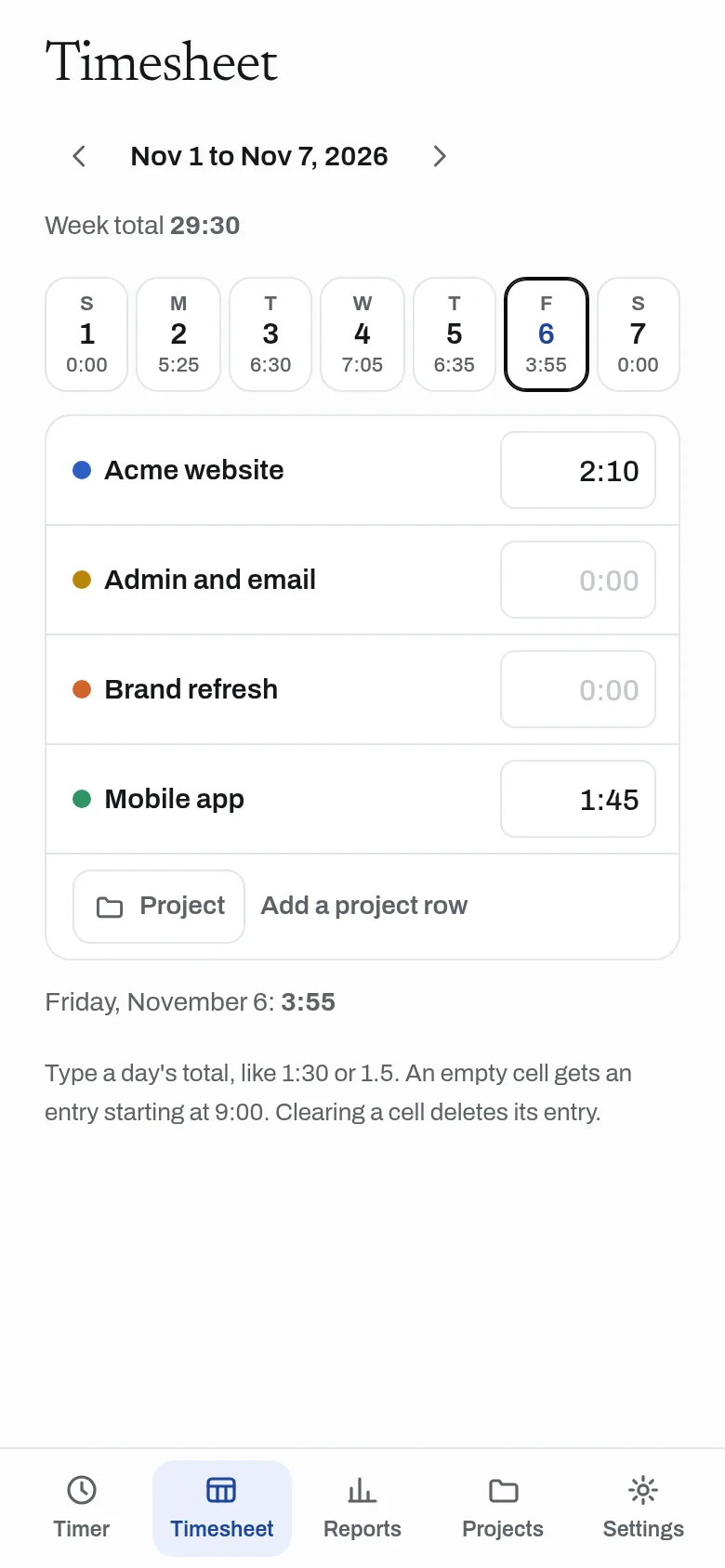
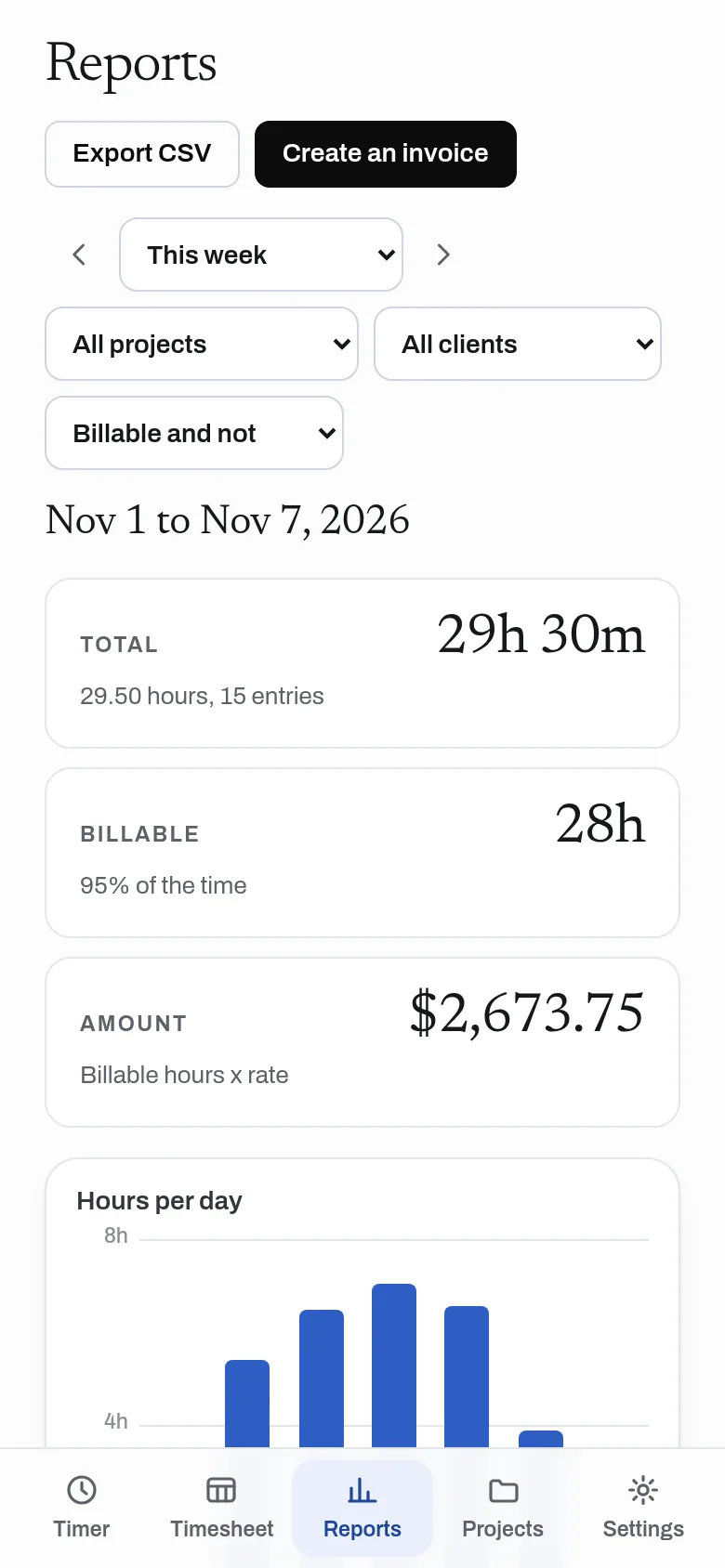
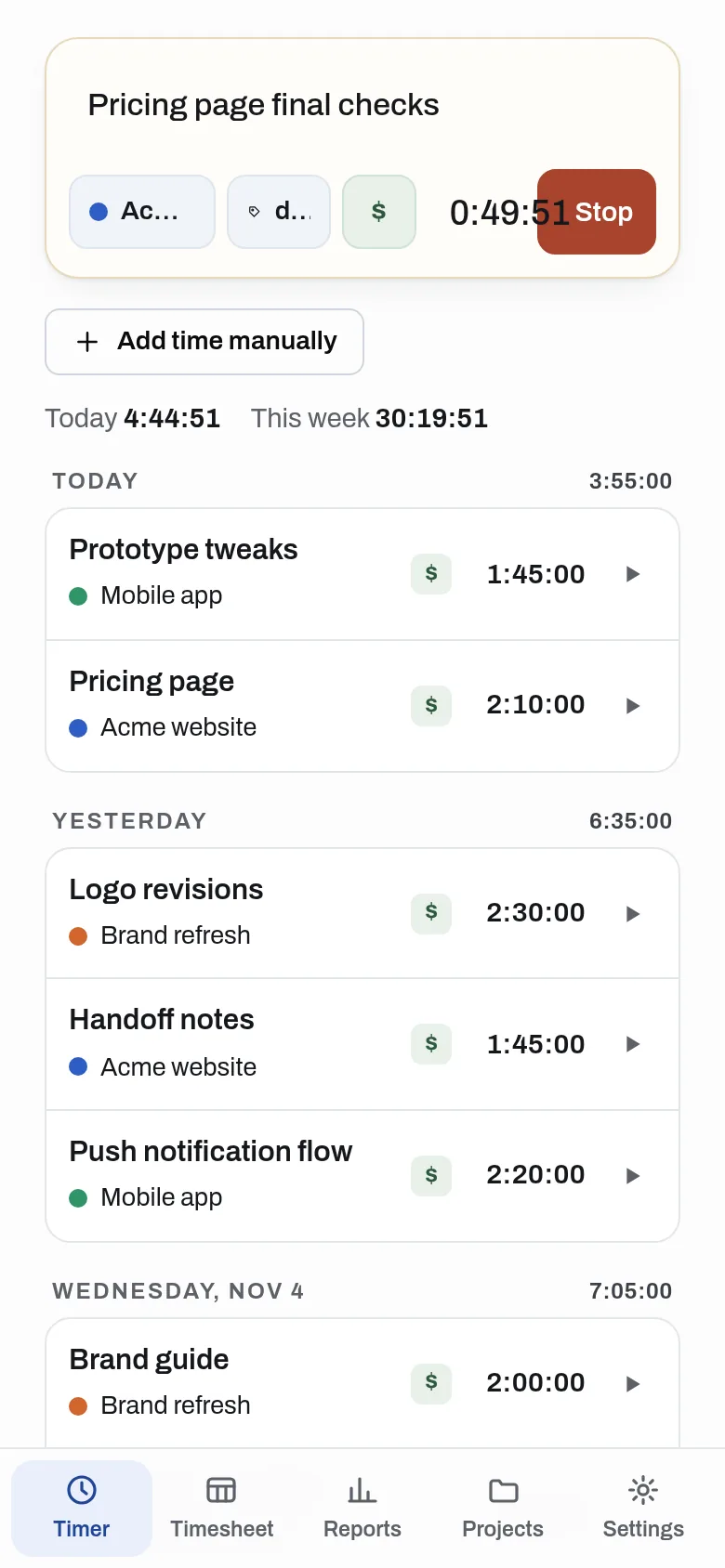
What it does
Start a timer in one tap, or add time by hand or in a weekly timesheet, with projects, clients, tags and hourly rates. Reports show hours and billable amounts by project, client and person, with CSV export, and billable hours can become an invoice in Invoice. Share a project with teammates by link; nobody needs to sign up.
- One-tap timer that keeps running across reloads and devices
- Projects, clients, tags, hourly rates and a billable switch
- Add time by hand, or type it into a weekly timesheet
- Reports by project, client, tag and person, with billable amounts and CSV export
- Share a project with teammates by link; they log time with no sign-up
- Create an invoice from billable hours in Invoice
- API for AI assistants: start and stop the timer, add time and read reports
Why use it
Free. Billable rates and reports included. No account is needed to use it. A time entry is one small record, so Time costs almost nothing to run.
A free alternative to
For your AI assistant
Time has a public web API with no account. It needs a workspace key that you create in Settings.
With a workspace key, an assistant can start and stop the timer, add and list time, add projects and read reports.
Connect every OpenApps app to your assistant · Time guide for assistants
Questions
Is Time really free?
Do I need an account?
Can my team use it?
Can I bill clients from it?
Anyone can read the source of Time. Contribute to Time.