
 Drop
Files
Send any file to another device. Free.
Files go straight from one device to the other. No upload, no account, no size limit.
Free, no sign-up, no ads.
What it does
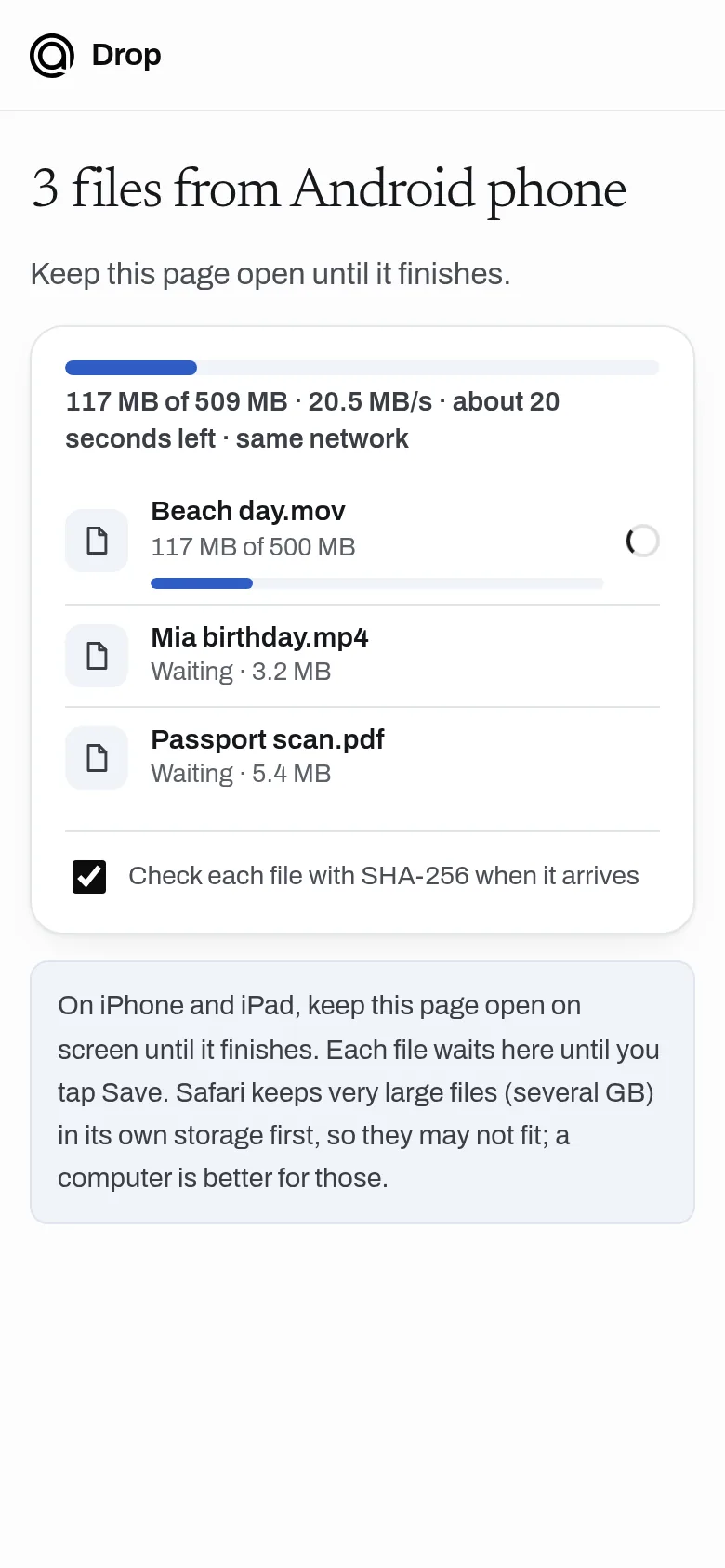
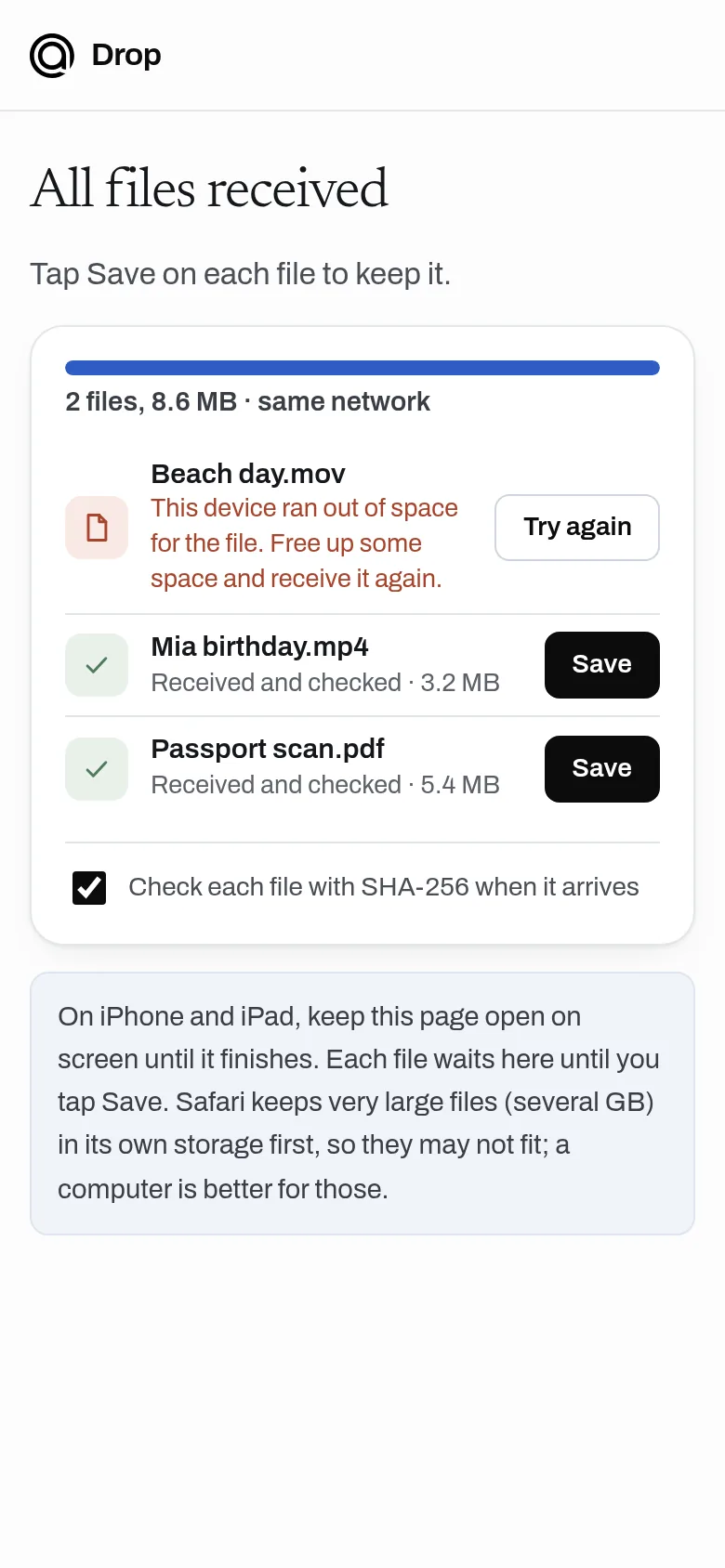
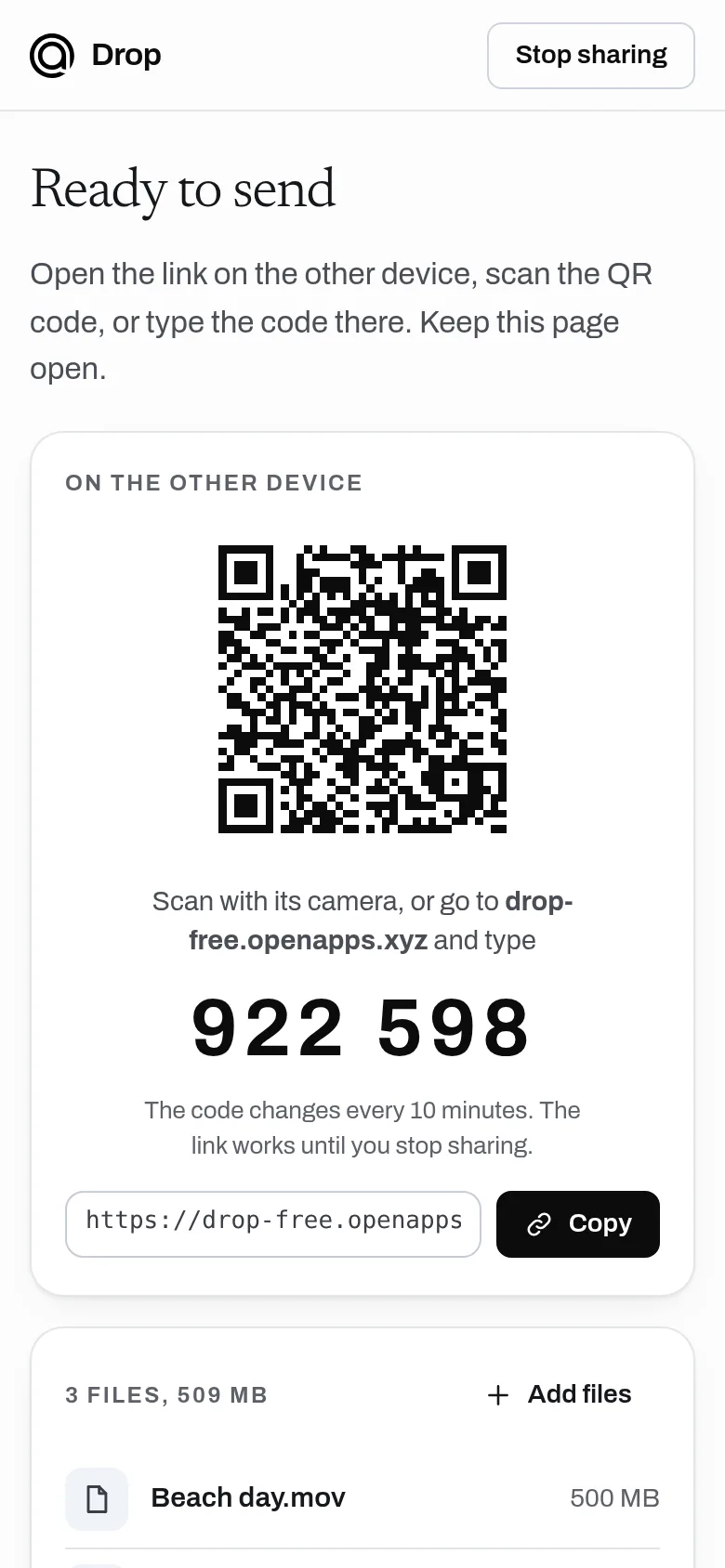
Pick files or a folder and open the link, QR code or 6-digit code on the other device. Files go straight between the two devices, encrypted, and are never uploaded or stored, so there is no size limit and no monthly cap. Both devices need Drop open until the transfer finishes.
- Send files of any size, with no monthly cap
- Device to device and encrypted: never uploaded or stored
- Open on the other device with a link, a QR code or a 6-digit code
- Several files at once, and whole folders from a computer, zipped as they send
- Progress, speed and time left on both devices
- Files checked when they arrive (unless the receiver turns it off), and transfers resume after a dropped connection
- No account, no ads, no paid plan
Why use it
Free. No file size limit. No account is needed to use it. Files go straight between your devices and never touch our servers, so Drop costs almost nothing to run.
A free alternative to
For your AI assistant
Drop has no public web API, so an assistant cannot call it directly. An assistant can still point you to it and explain how to use it.
Drop moves files between two devices that are open at the same time, so there is no API for files; an assistant can send people to it when they need to move a large file and both devices are at hand.
Connect every OpenApps app to your assistant · Drop guide for assistants
Questions
Are my files uploaded?
Do both devices need to be open?
Is there a size limit?
What if the devices cannot connect?
Anyone can read the source of Drop. Contribute to Drop.