
 Record
Video
Record your screen and camera, as long as you like.
Your screen with your face in a corner and your voice on top. Trim it, then download it and send it anywhere.
Free, no sign-up, no ads.
What it does
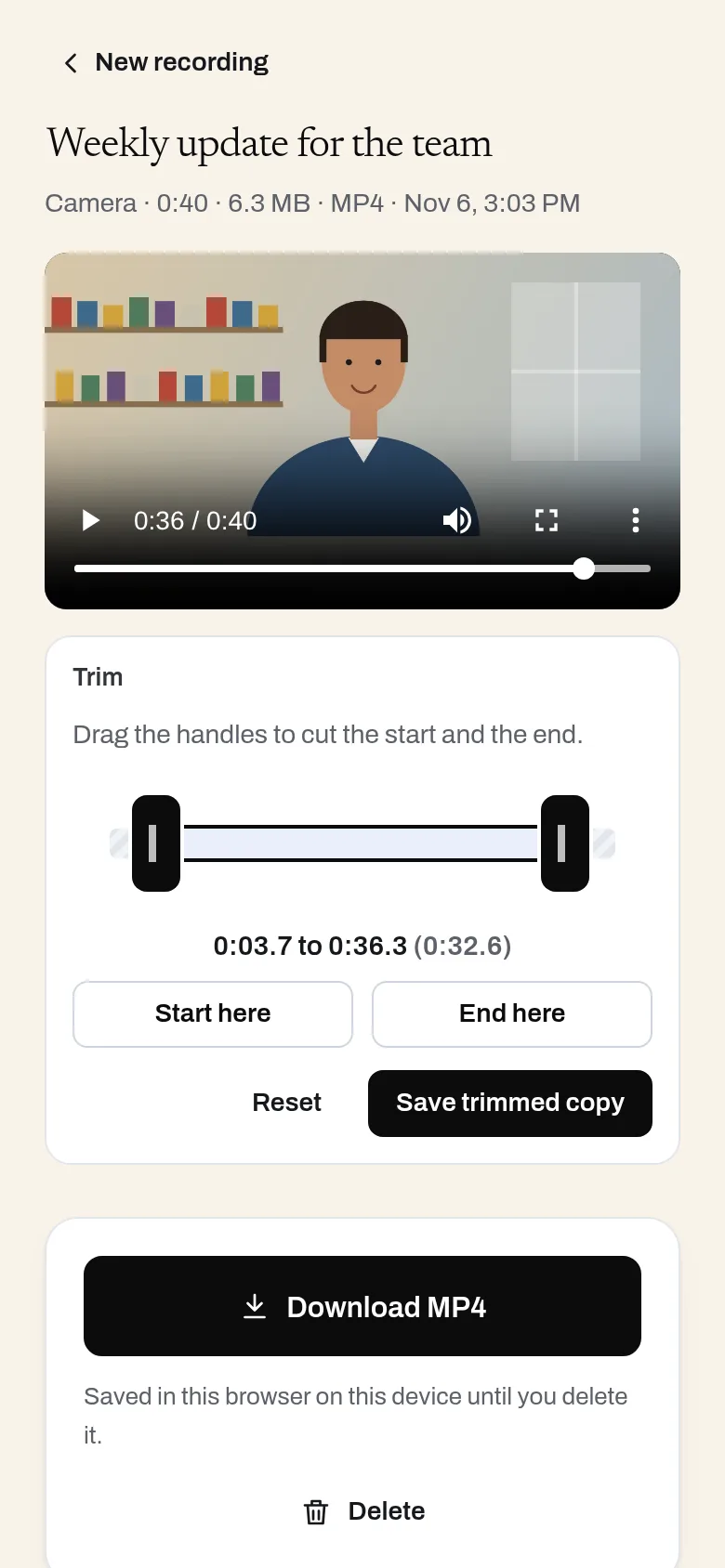
Record your screen, a window or a tab with your camera in a corner and your voice, then trim and download the video. It all happens in your browser: nothing is uploaded, and there is no time limit or video cap.
- Screen, window or tab, with a camera bubble you can move
- Microphone, plus tab or system sound where the browser shares it
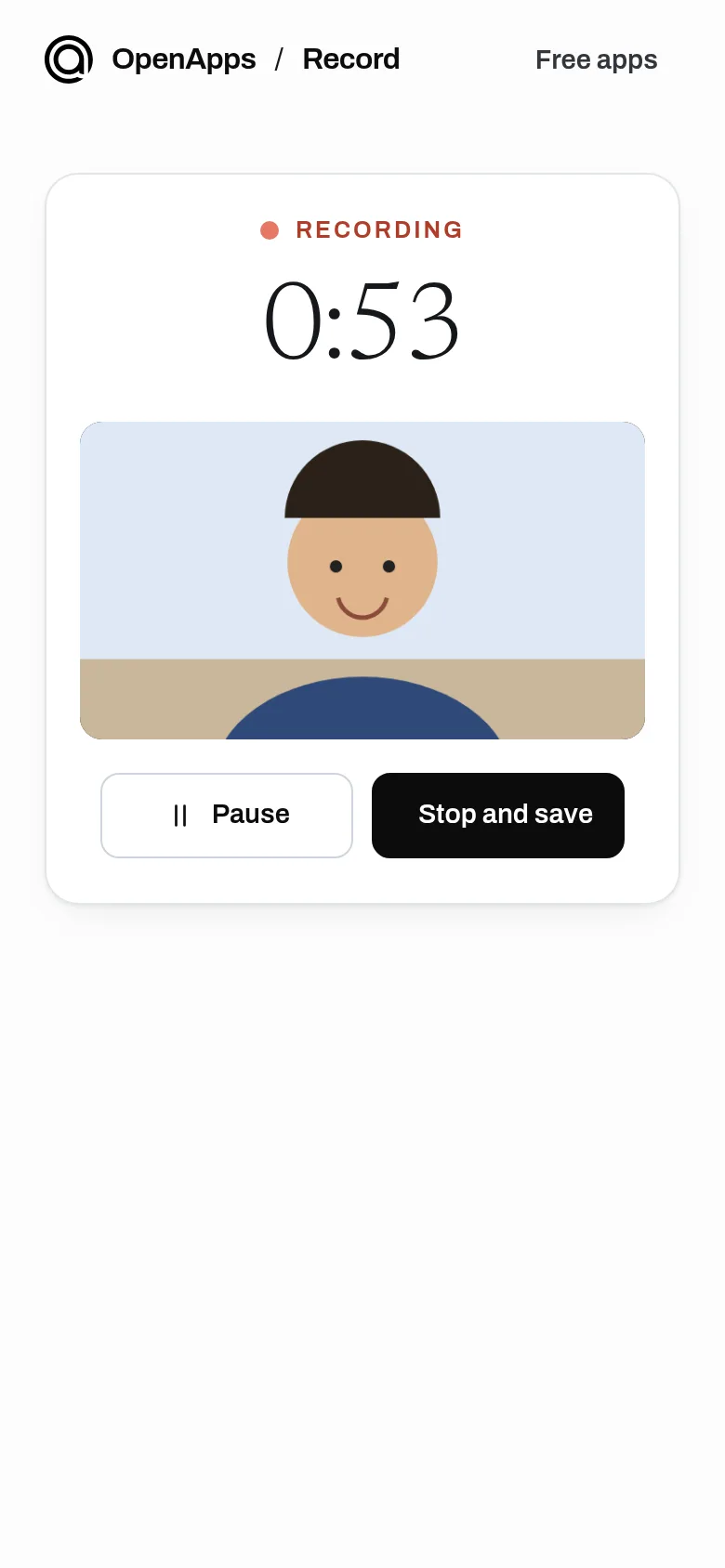
- Pause, resume, and trim the start and end
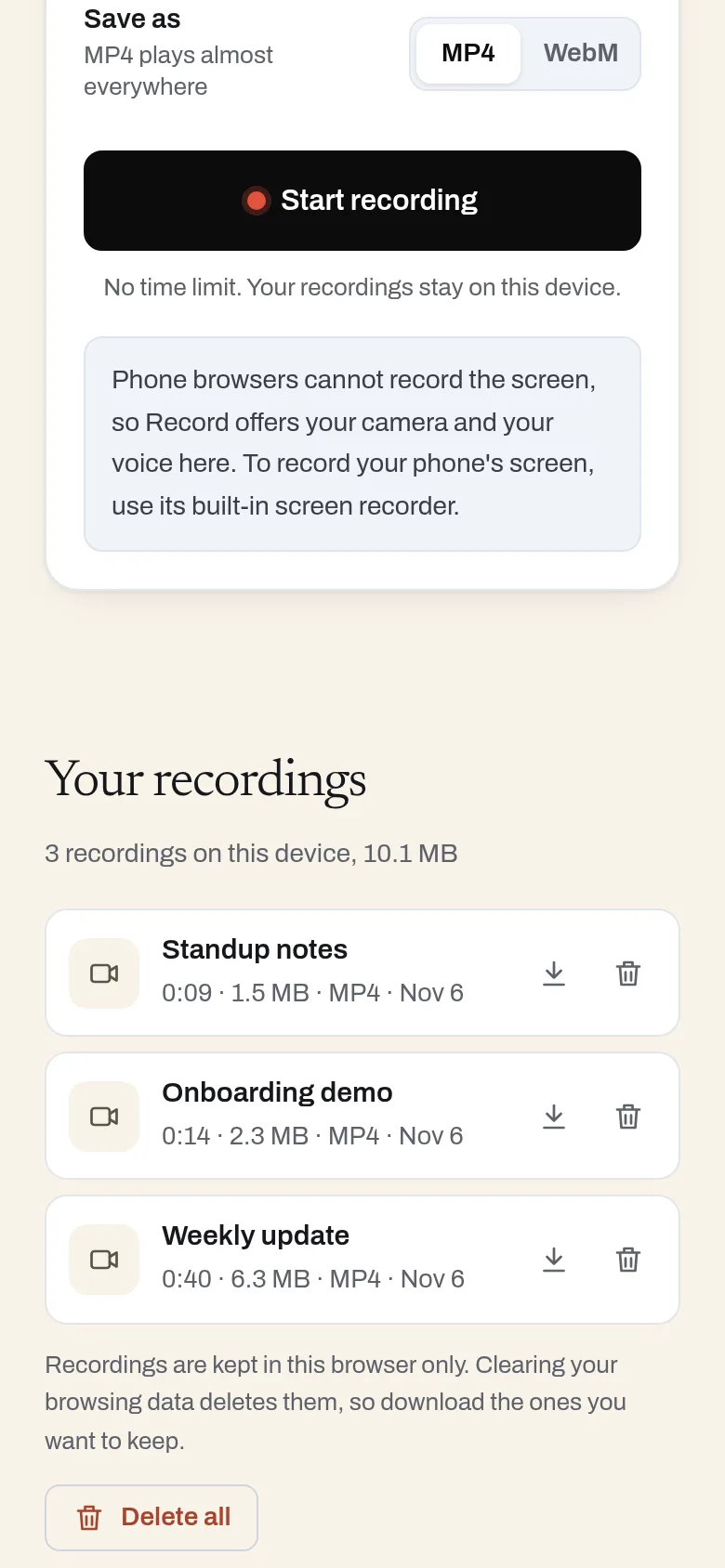
- MP4 or WebM files, kept on your device until you delete them
- Camera-only and audio-only modes, on phones too
- Recovers a recording if the tab closes partway
- No upload, no account, no time limit
Why use it
Free. No time limit, no video cap. No account is needed to use it. Recording happens on your device, so it costs us almost nothing to run.
A free alternative to
For your AI assistant
Record has no public web API, so an assistant cannot call it directly. An assistant can still point you to it and explain how to use it.
Record runs in the person's browser, so there is no server API. An assistant can send people to it to record a walkthrough without a time limit.
Connect every OpenApps app to your assistant · Record guide for assistants
Compare every free option
Questions
Is there a time limit?
Are my recordings uploaded?
How do I share a recording?
Does it work on phones?
Anyone can read the source of Record. Contribute to Record.