
 Status
Developer tools
Tell customers what works, and what does not.
A public page with incidents, planned maintenance and uptime history. Made in a minute.
Free, no sign-up, no ads.
What it does
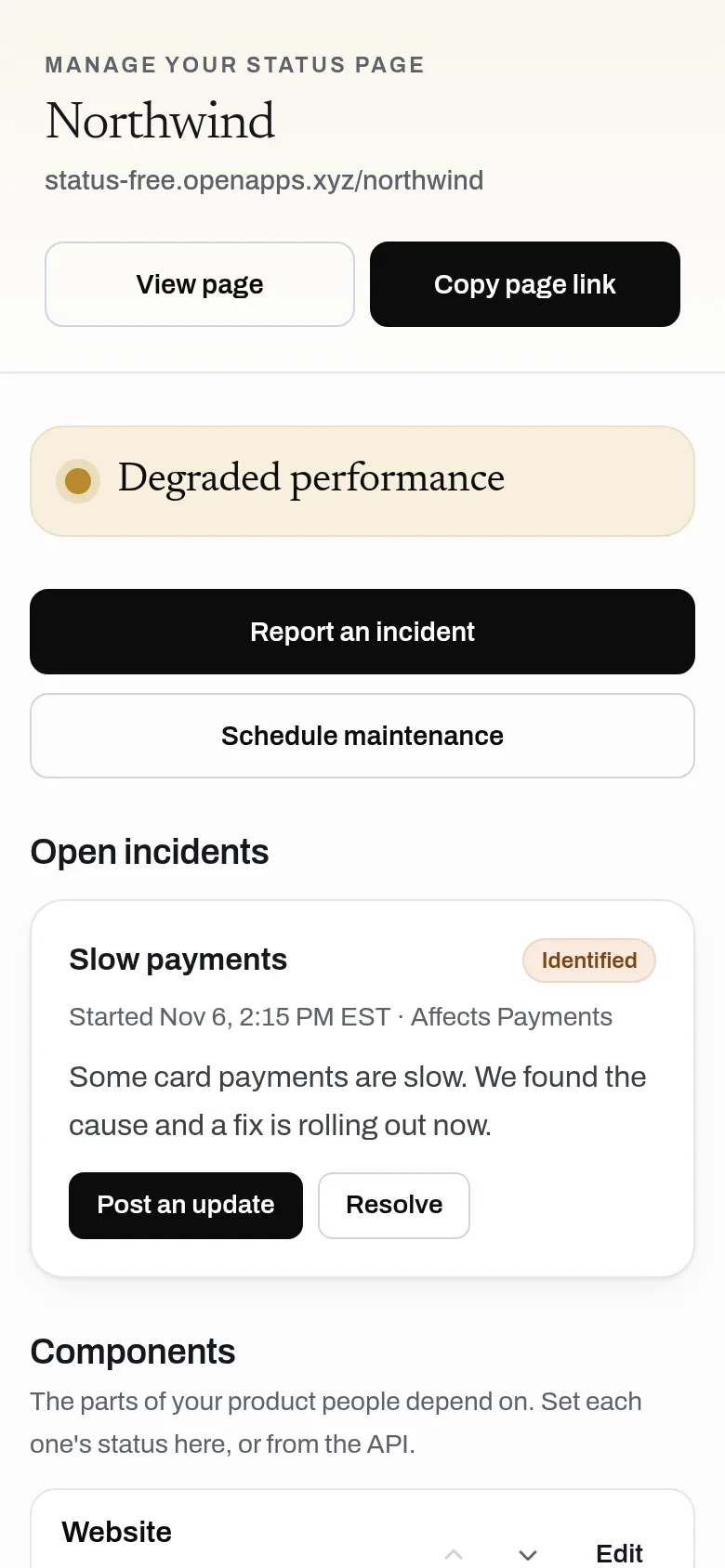
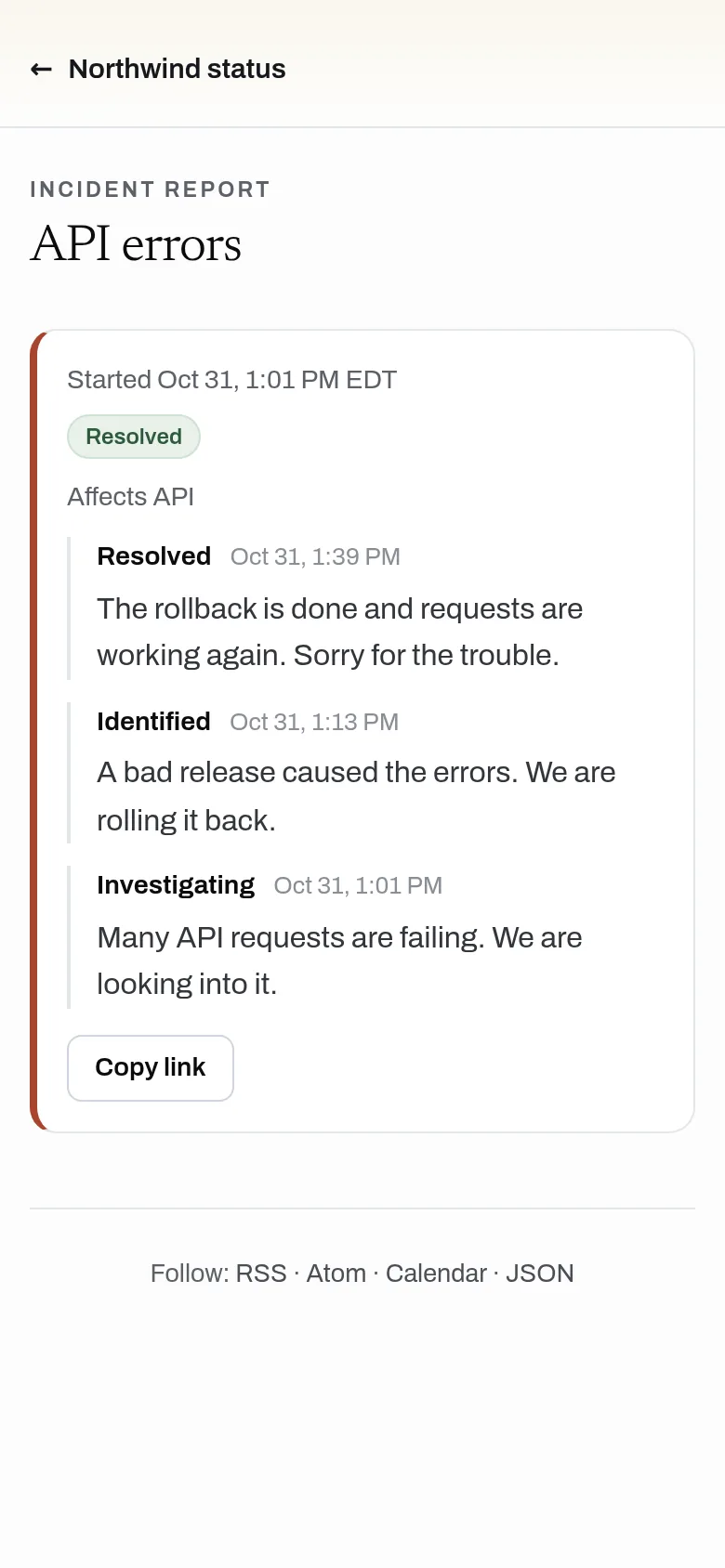
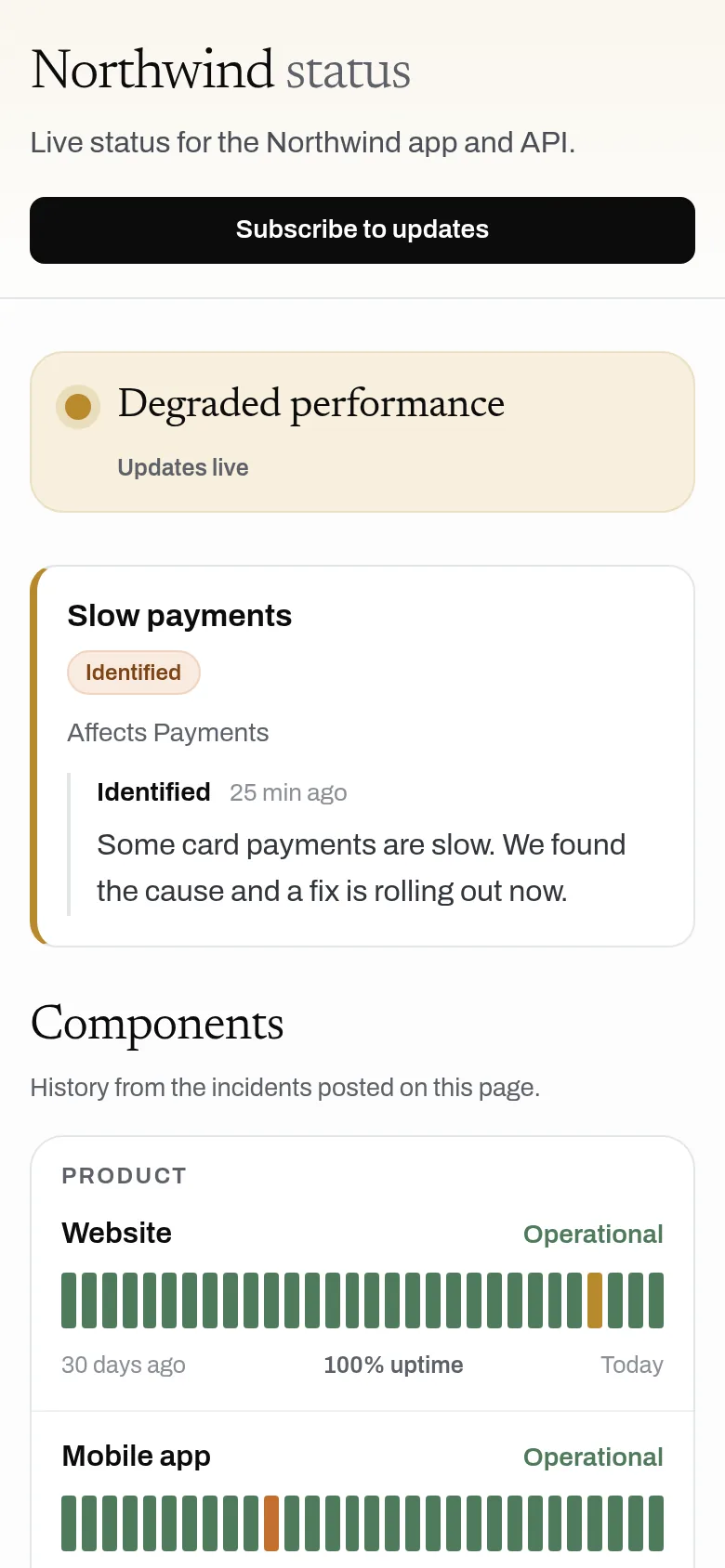
Claim a status page, add your components, and post incidents and maintenance as they happen; visitors see updates live with no reload. Each component gets a 90-day history and uptime figure built from your incidents, and people can follow by RSS, Atom or calendar. No sign-up, no paid plan and no limit on pages or incidents.
- A public status page at an address you claim, with no sign-up
- Components in groups, with an overall status worked out for you
- Incidents with a timeline of updates, and maintenance that starts and ends on its own
- 90-day history and uptime for every component, built from your incidents
- Follow by RSS, Atom or calendar, plus a README badge and status as JSON
- One-call hookup for uptime monitors: going down opens an incident, coming back resolves it
- API with an owner key to set statuses, post incidents and schedule maintenance
Why use it
Free. No limit on pages or incidents. No account is needed to use it. A status page is a handful of small records that visitors read directly, so Status costs almost nothing to run.
A free alternative to
For your AI assistant
Status has a public web API that needs no key and no account.
With the page's owner key, an assistant or a monitor can set component statuses, open, update and resolve incidents and schedule maintenance, and anyone can read a page's status as JSON.
Connect every OpenApps app to your assistant · Status guide for assistants
Questions
Is Status really free?
Does Status check my site for me?
Can people get email updates?
Can I use my own domain?
Anyone can read the source of Status. Contribute to Status.